31
ADJUSTING AUDIO AND VIDEO SETTINGS
ENGLISH
Viewing from a Desired
Camera Angle (Multi-Angle)
– DVD
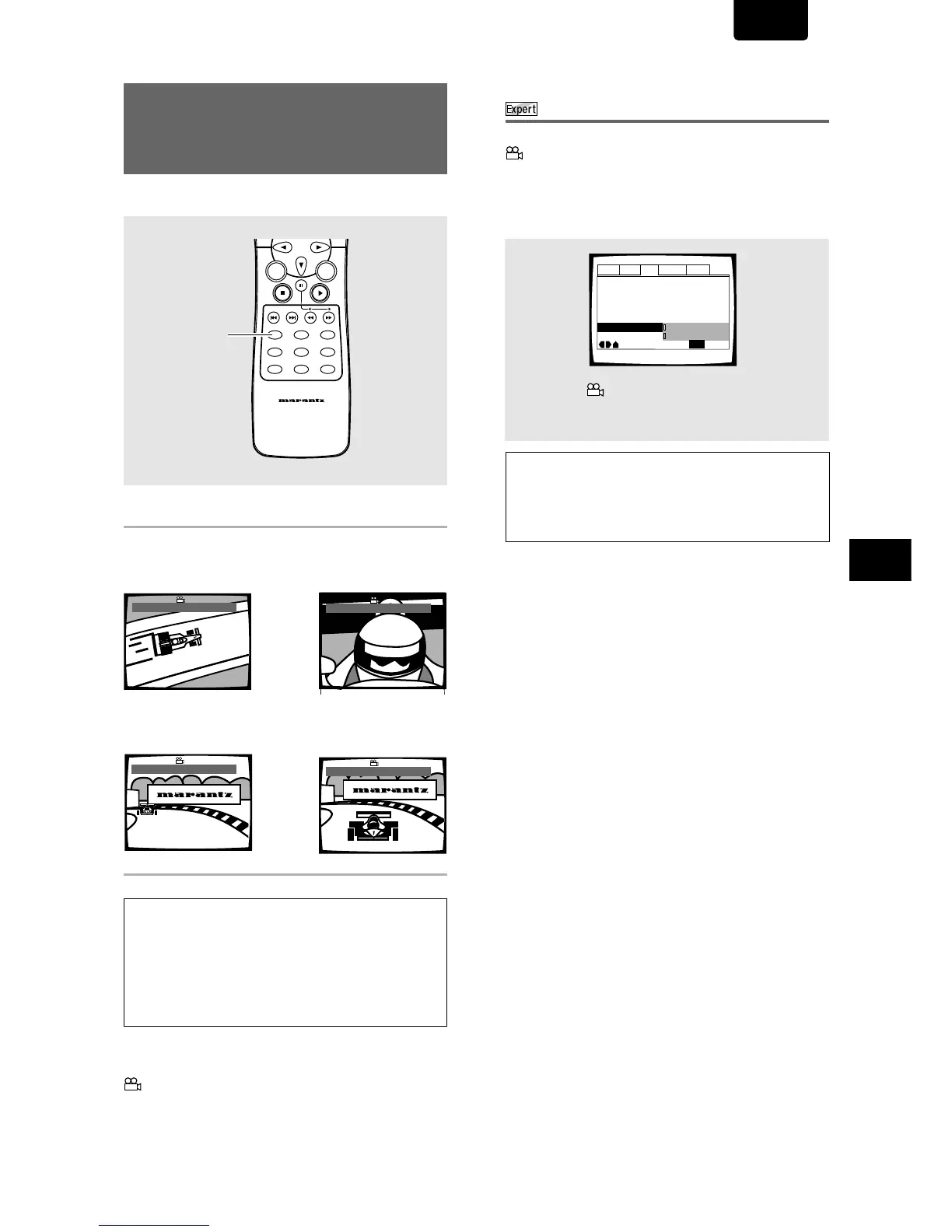
You can select a camera angle when viewing DVDs with the
multi-angle option.
Press ANGLE during playback.
The camera angle changes each time you press the button.
Notes
• You can use the Multi-Angle function only with discs featuring
recordings of images shot from different camera angles.
• During Multi-Angle playback, the “ANGLE” indicator in the
display lights.
• For some discs, selection can be made using the DVD menu.
In this case, press MENU to display the DVD menu screen and
then make your selection.
To check whether or not a disc is recorded with angles:
The jacket of discs that are recorded with angles will be marked with
. When locations on discs that are recorded with angles are
played back, the “ANGLE” indicator can be displayed.
To cancel the angle mark, set [Angle Indicator] to [Off] in the Setup
screen Video menu described in the section below.
Turning the angle indicator on and off
When a picture recorded in different angles is played back
is displayed on the screen. This setting lets you see
clearly whether the playback picture is recorded in multiple
angles or not.
Turn the angle indicator on or off in the [Angle Indicator]
setting in the Setup screen Video menu in the [Expert] menu
mode (page 24).
Note
Even when the [Angle Indicator] setting is set to [Off], the
“ANGLE” indicator in the display panel of the player lights during
multi-angle playback. Therefore, it is possible to know when the
multi-angle function can be used without having to display the icon
on the screen.
Settings: On* ( is displayed)
Off (Not Displayed)
* Factory setting
«
\
»
|



 To Next Page