35
SETTING THE LANGUAGE OPTIONS
ENGLISH
Selecting a Subtitle Language
(Multi-Language Subtitles)
– DVD
You can select a desired subtitle language with DVDs that
have subtitle data in multiple languages recorded on them.
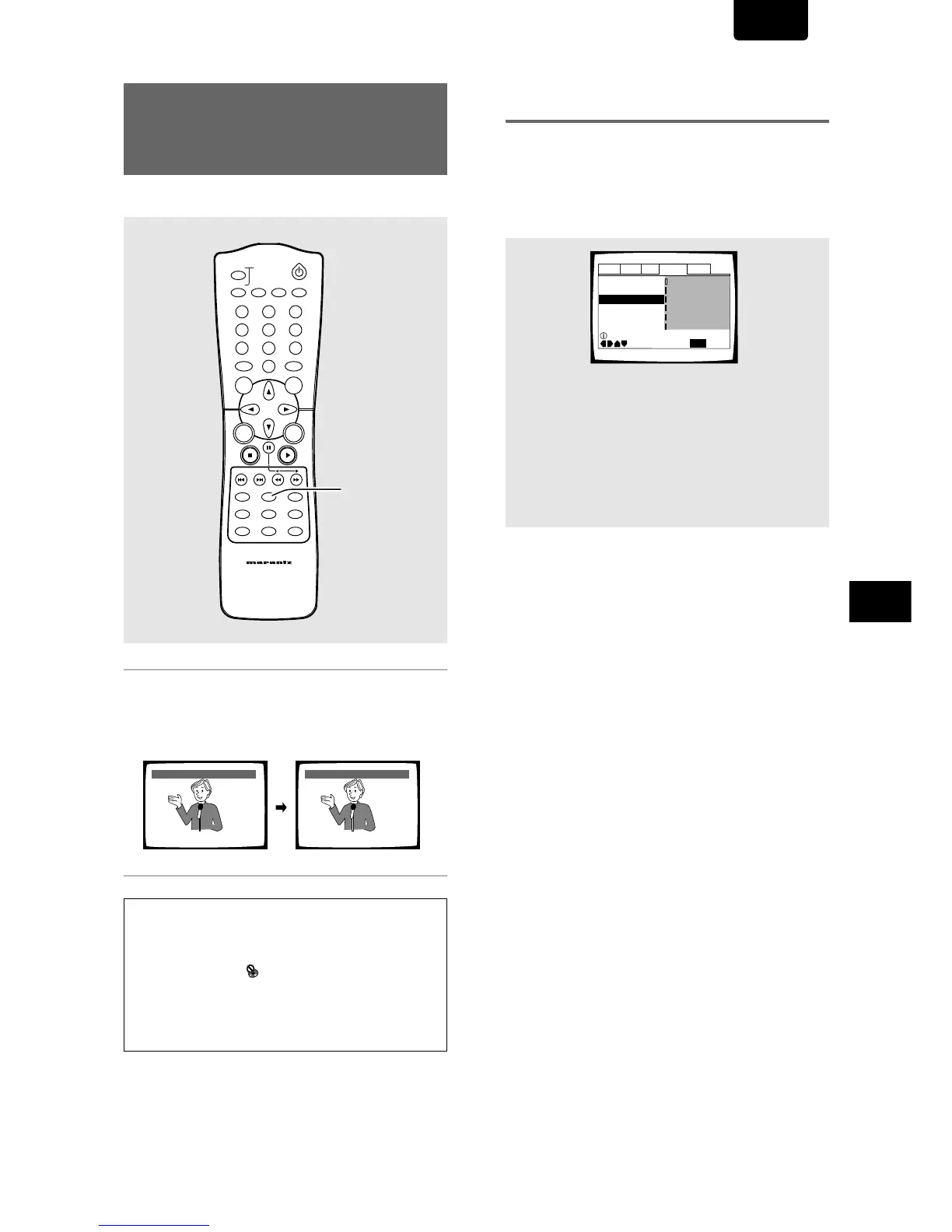
Press SUBTITLE repeatedly during playback.
Pressing SUBTITLE once displays the currently selected
subtitle language. Subsequent presses rotates through the
subtitle languages available on the DVD.
Notes
• The subtitle language cannot be switched if the subtitle
language is not recorded, or if only one language is recorded.
• Switching the subtitle language may not be possible with some
discs. In this case, the
mark will be displayed.
• To clear subtitles during playback, press SUBTITLE and then
press CLEAR, or press SUBTITLE until [Off] appears.
• For some discs, subtitle language selection can be made using
the menu on the DVD. In this case, press MENU to display the
DVD menu screen and then make your selection.
HELLO!
HOLA!
Subtitle :1 English Subtitle :2 Spanish
Selecting a subtitle language
preference
The subtitle language that you will normally display can be
selected from the subtitles programmed on a disc. Even
when the subtitle language is changed during playback by
pressing SUBTITLE, the language selected at this setting will
be selected when the disc is changed.
Make changes to the [Subtitle Language] setting in the
Setup screen Language menu.



 To Next Page