Setting the display’s brightness
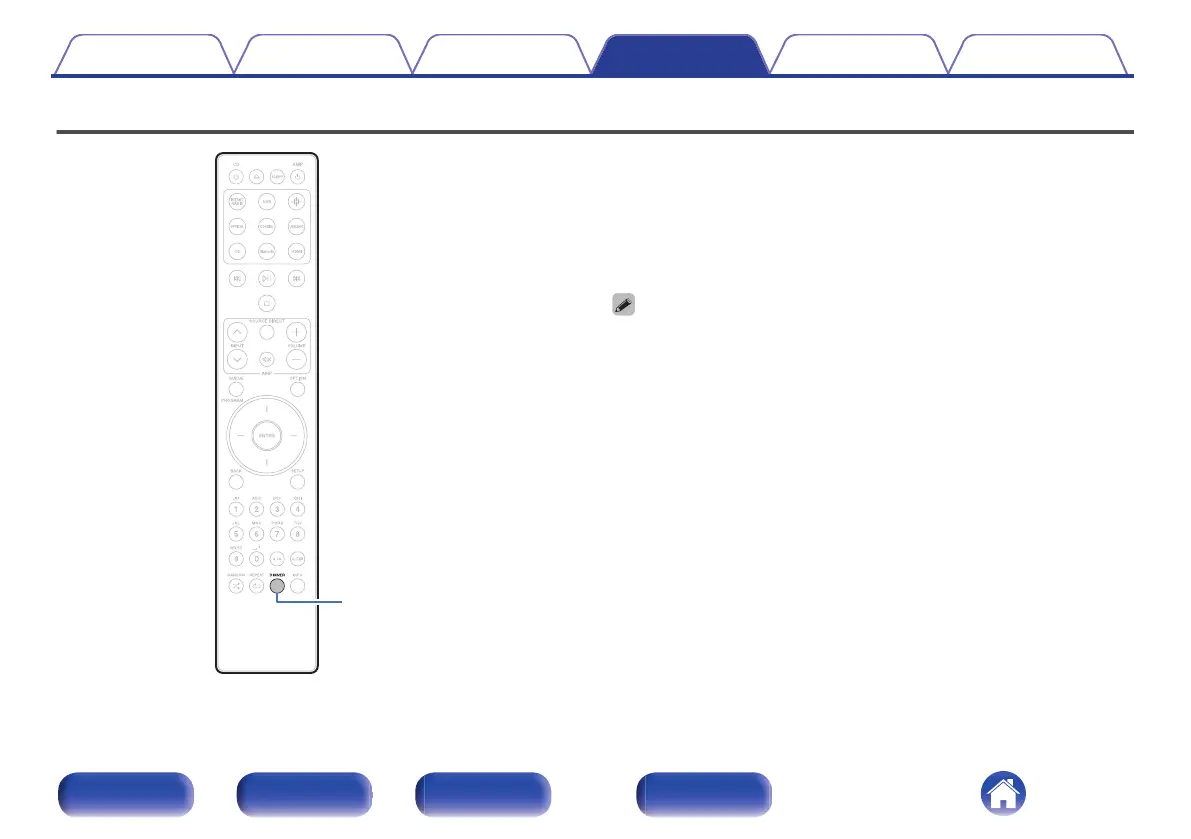
The display brightness can be adjusted between four levels. Switching the
display off reduces a source of noise that affects sound quality, enabling
higher sound quality playback.
1
Press DIMMER.
0
The brightness of the display switches each time the button is
pressed.
0
If button operations are made while the display is off, information is temporarily
displayed at the brightest setting.
0
The display brightness is set to most brightly by default.
0
DIMMER also works with Marantz Network CD player CD 50n (not included), so its
brightness can be adjusted simultaneously when used in combination with this
unit. If the devices have different brightness settings, press and hold DIMMER for
5 seconds or longer and adjust after they are both at the brightest setting.
Contents Connections Playback Settings Tips Appendix
31
Front panel Rear panel
Remote control
unit
Index



 To Next Page