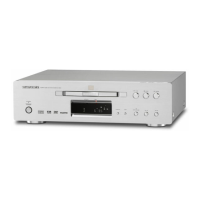
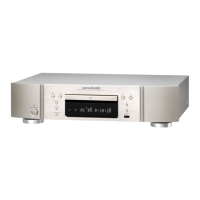
.
C
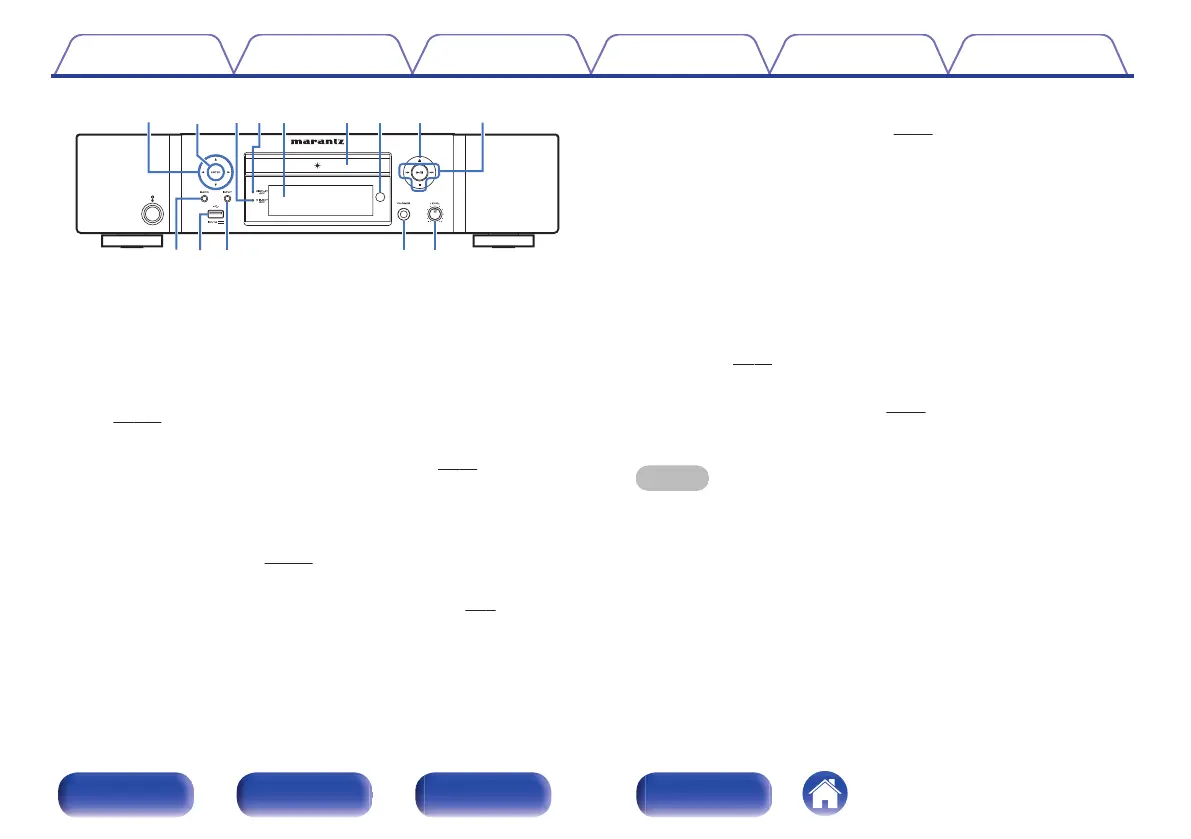
Cursor buttons (uio p)
These select items.
D
ENTER button
This determines the selection.
E
Digital output off indicator (DIG. OUT OFF)
This indicator lights up when the “Digital Out” setting is set to “Off”.
(v p. 101)
F
DISPLAY OFF indicator
This indicator lights up when the display is off. (v
p. 77)
G
Display
Various information is displayed here.
H
Disc tray
Used to insert a disc. (v
p. 132)
I
Remote control sensor
This receives signals from the remote control unit. (v p. 7)
J
Disc tray open/close button (5)
Opens and closes the disc tray. (v p. 55)
K
System buttons
These perform playback related operations.
0
Play/pause button (1/3)
0
Skip buttons (8, 9)
0
Stop button (2)
L
BACK button
Returns to the previous item.
M
USB port (T)
This is used to connect USB storages (such as USB memory
devices). (v
p. 25)
N
INPUT button
These switch the input source. (v p. 33)
O
Headphones jack (PHONES)
Used to connect headphones.
NOTE
0
To prevent hearing loss, do not raise the volume level excessively when using
headphones.
P
Headphone volume control knob (LEVEL)
Adjusts the headphone volume.
Contents
Connections Playback Settings Tips Appendix
12
Front panel Rear panel
Remote control
unit
Index


 To Next Page