11
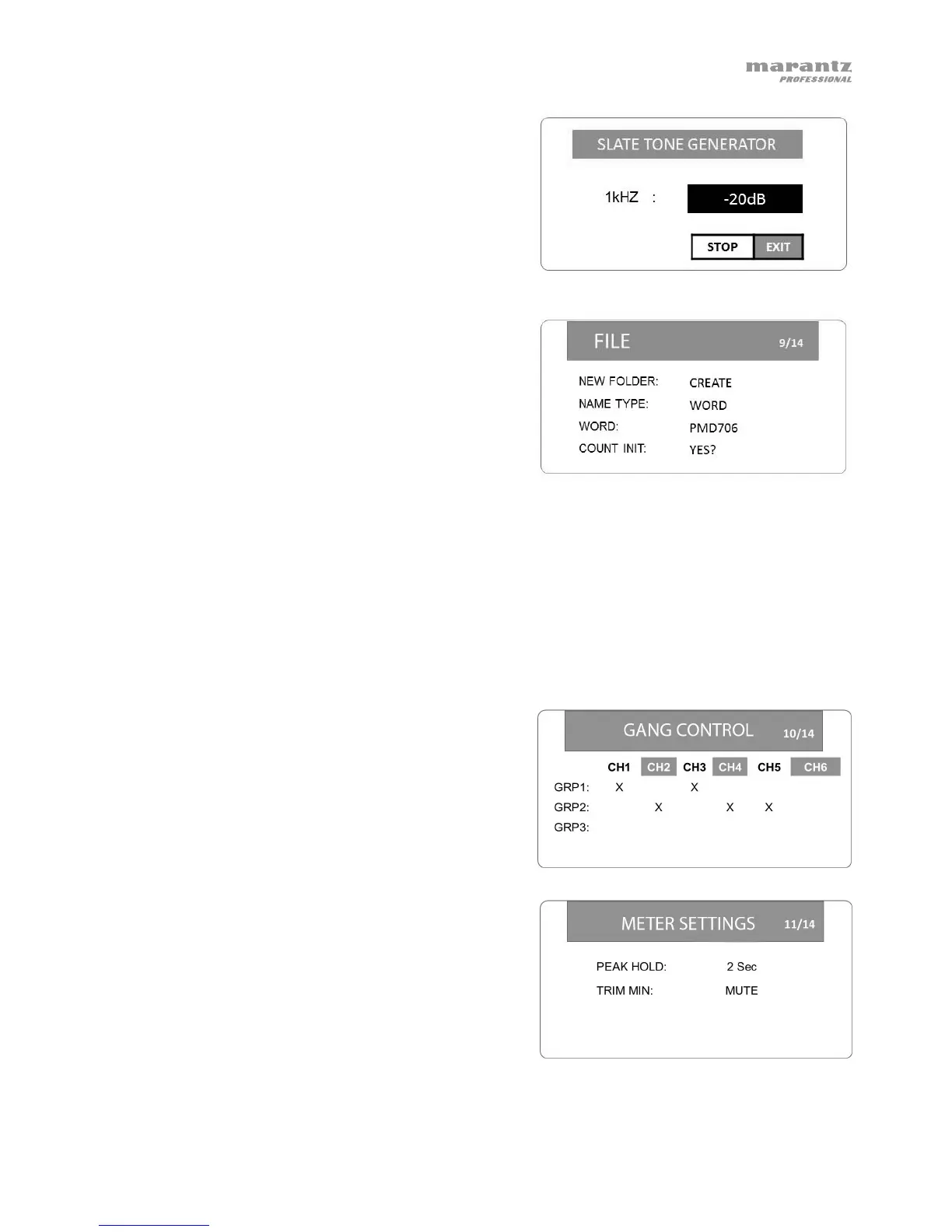
Slate Tone Settings (SLATE TONE): 1–# s
(seconds), -14 dB to -20 dB (level)
To set the slate tone, select SLATE TONE and
press the Enter dial. Turn the Enter dial to set the
volume level (-20 dB to -14 dB). Press the Enter
dial to start or stop the tone. Press Stop to save
this level and return to the previous screen.
9. File
Create New Folder (NEW FOLDER): This creates
a new folder on the SD card.
File Name Type (NAME TYPE): WORD (text),
DATE (time/date)
File Name Text (WORD): up to 6 characters
Count Initialize (COUNT INIT): This resets the sequential file numbering system used to name
the file.
Files are named in the following way:
- When TYPE is set to WORD: WORD_File#_CH#_RecordingMode (e.g.,
PMD706_0001_CH1_M or PMD706_0003_CH34_St).
- When TYPE is set to DATE: YYYY_MM_DD_HH_MM_CH#_RecordingMode (e.g.,
2017_05_16_17_CH3_M or 2017_03_10_08_CH34_St).
10. Gang Control
This screen allows you to link volume controls by
creating 3 groups and tying any channel input to
the same input level control. The input level control
with the lowest number in a group will control the
level for all of them.
11. Meter Settings
Peak Hold (PEAK HOLD): 1 sec, 2 sec, 10 sec,
Hold, Off
Input Control Minimum Setting (TRIM MIN): -40
dB (from maximum setting), MUTE



 To Next Page