English
Operations
❖ Recovering the Deleted Selections
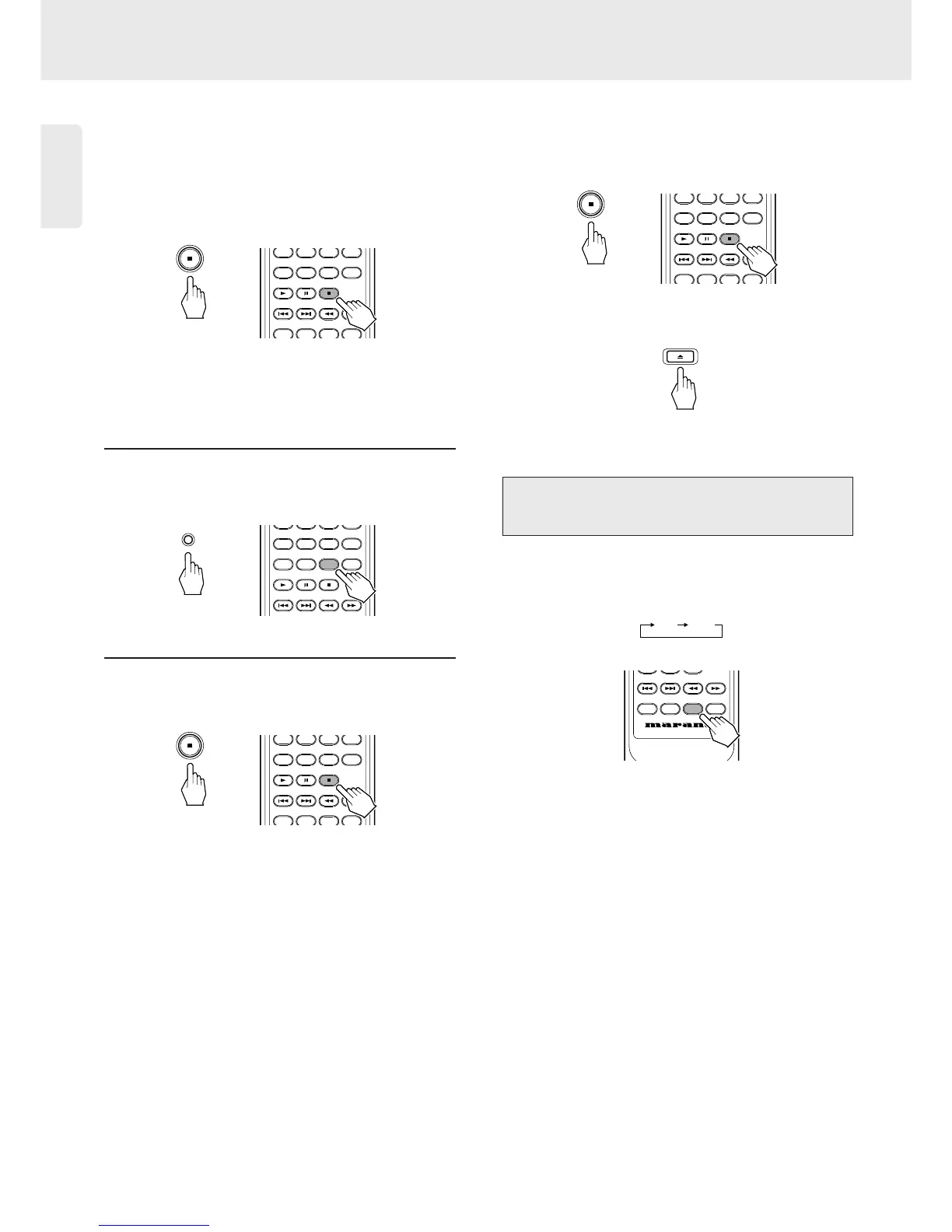
- To Recover One by One
• Each time Stop/Clear button on the unit or the
Stop/Clear button on the remote control is pressed
in the delete mode, the deleted selections are
recovered one by one in the opposite sequence.
or
- To Recover a Specific Selection
• Find the desired track in delete selection checking
and press Stop/Clear button to recover.
1. Press DELETE button on the unit or the DELETE
button on the remote control until the track (or
disc) to recover appears.
or
2. Press Stop/Clear button on the unit or the
Stop/Clear button on the remote control during the
track (or disc) to recover is displayed.
or
- To Recover All Deleted Selections
• Press Stop/Clear button on the unit or the
Stop/Clear button on the remote control for more
than 4 seconds in the delete mode.
or
• Opening the disc tray recovers all deleted selections,
too.
• Each time DIMMER button on the remote control is
pressed, the brightness of the display changes as
follows;



 To Next Page