4-5
•For more information go to the Marantz website http://www.marantz.com
Picture 1
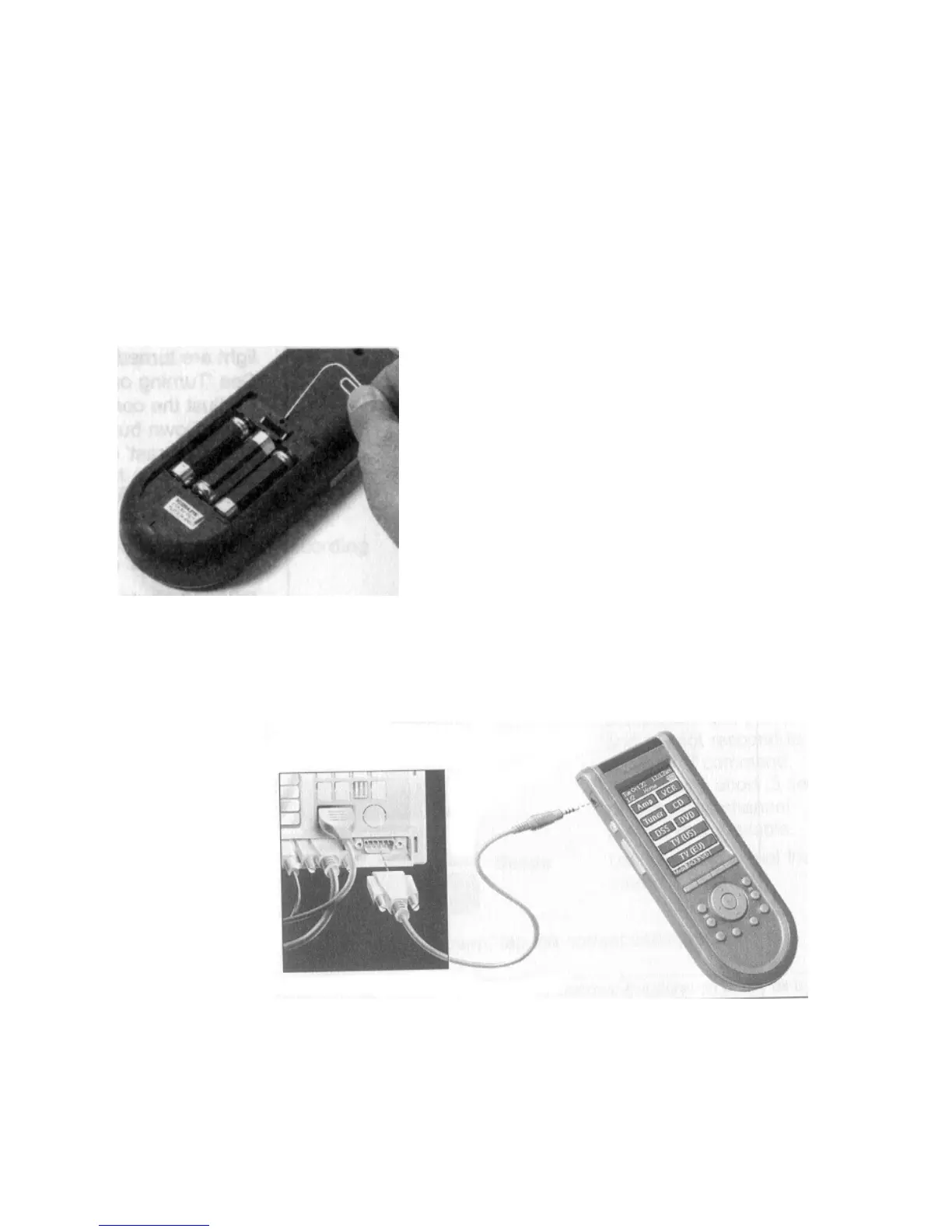
Reset button
How do I reset the RC3200?
Under normal circumstances, you will never have to reset the RC3200.
However, on rare occasions, if the RC3200’s touch screen freezes or if you notice unusual behavior, you need to perform a
reset to get the RC3200 running again. All customized commands and devices are retained.
1 Slide the battery cover off the back of the RC3200.You will see the Reset button in the battery compartment.
2 Use an unfolded paperclip or a sharp pencil to carefully press the Reset button.
The RC3200 restarts and an Introduction screen appears.
The RC3200 beeps twice to indicate it is ready for use.
TROUBLESHOOTING



 To Next Page