User Guide
35
Reference
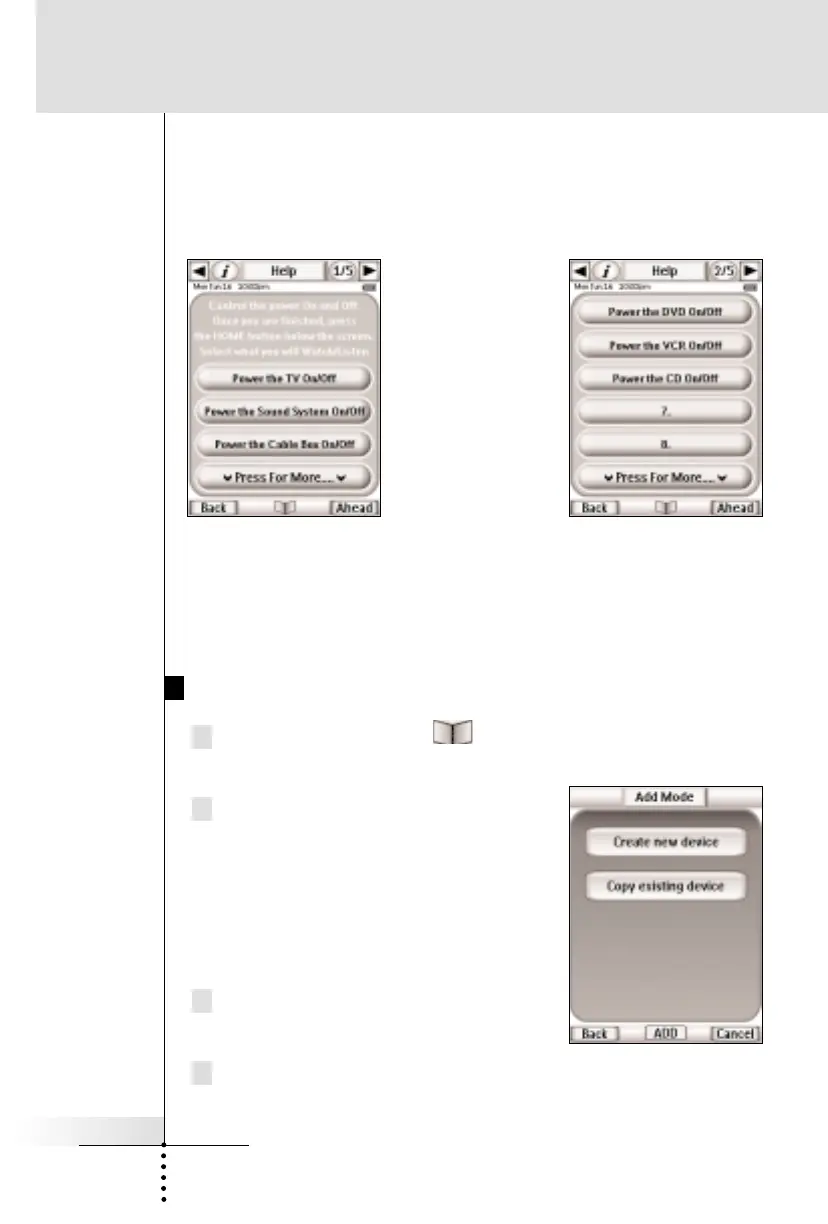
HELP - This template is used to create a Help List that will help
users through a multiple step process that cannot be reliably
programmed as a macro. See page 18-20 for more information
about help lists.
DSS - Since Marantz does not make a DSS receiver, we included a
template. Simply teach the RC5400 from your original remote.
Creating a New Device Step by Step
1 Tap and hold the MODE icon in the LOWER TOOL BAR
more than 3 seconds. Mode Menu page will appear.
2 Tap the ADD button to switch to
ADD mode.
The RC5400 displays the following
choices:
n Create New DEVICE
n Copy Existing DEVICE
2 Tap the Create new device button
on the screen.
3 Tap the device you want to add from the device list box.
Help List panels are a
good way to help
casual users through
a long operation with
lots of steps.



 To Next Page