17
h82505_38400.inf
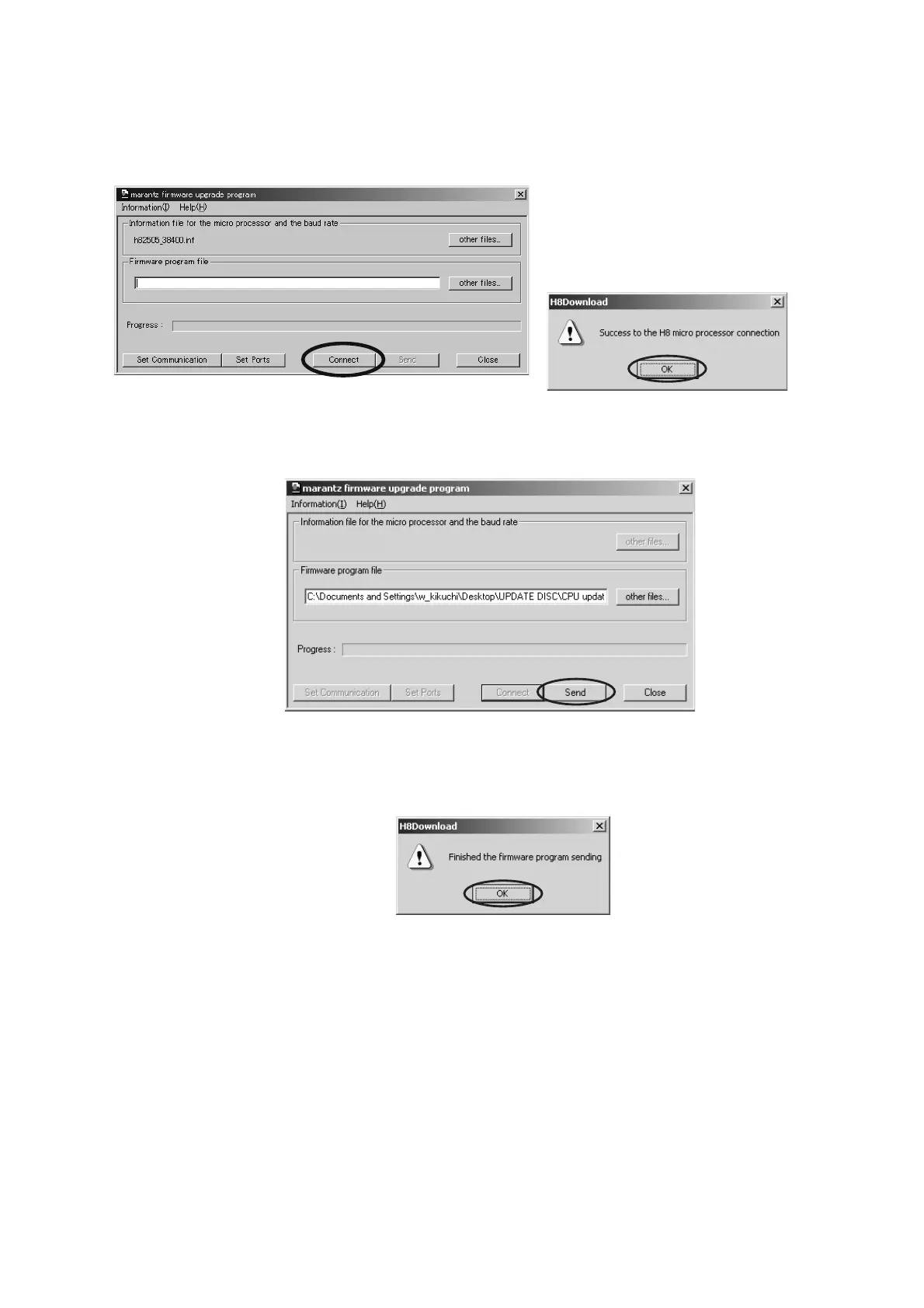
8. Click Connect button. If the connection with the H8 µ-P
is successfully made, a dialogue box saying "Success
to the H8 micro processor connection" appears. (If the
connection fails, error message will appear.)
9. Click Send button to start update.
10. If the fi rmware is updated successfully, a dialog box
saying "Finished the fi rmware program sending"
appears.
8. Connect をクリックします。H8 u-P と通信接続に成功す
ると
"Success to the H8 micro processor connection" の
ダイアログが表示されます。
( 通信に失敗するとエラーメッ
セージが表示されます。
)
9. Send
をクリックしアップデートを開始します。
10. ソフトウェアのアップデートが成功すると、"Finished the
firmware program sending"
のダイアログボックスが表示
されます。



 To Next Page