5
Use ui to select the “Play Now” or “Play Now &
Replace Queue”, then press ENTER.
Playback starts.
.
Nature 01
-
Various Artists
NOW PLAYING
-2:212:45
Nature
Operation buttons
Function
1/3
Playback / Pause
8 9
Skip to previous track / Skip to next track
CH/PAGE d f
Switch to the previous page/next page in
the list display
0
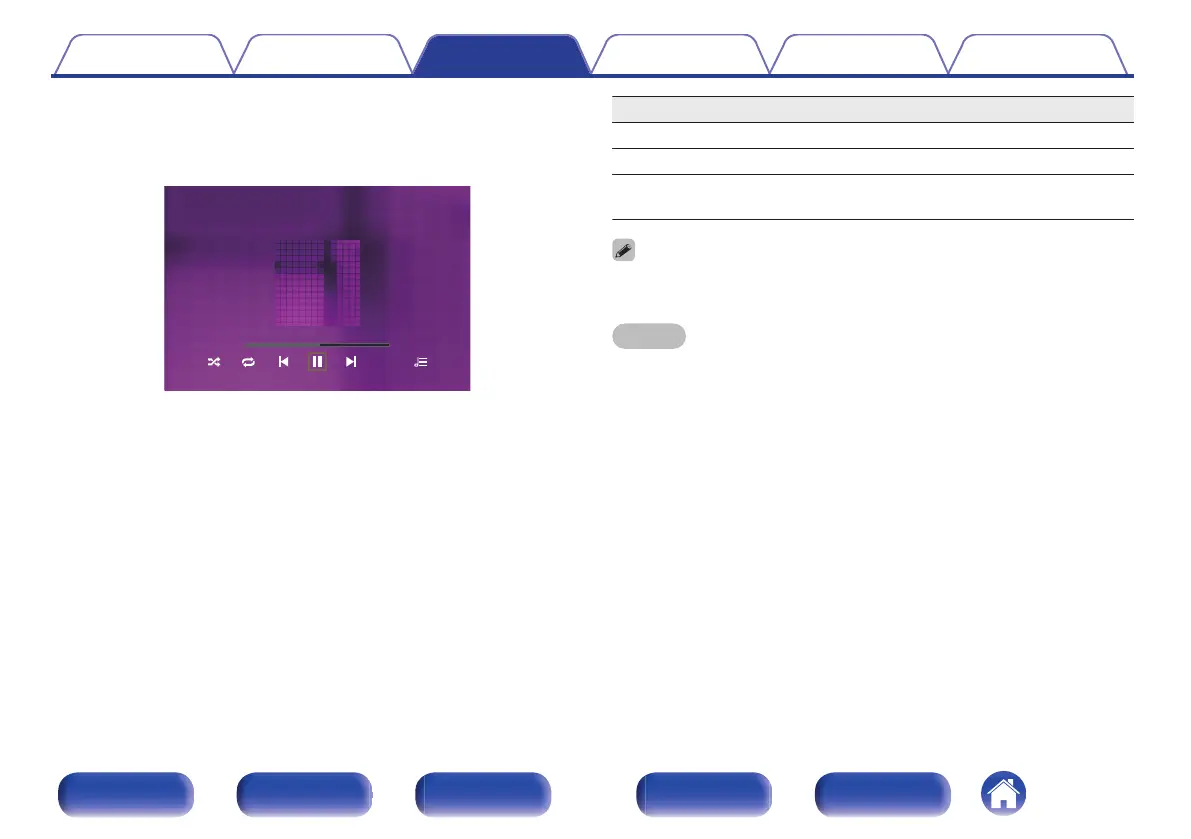
When an MP3 music file includes album art data, the album art can be displayed while
playing the file.
NOTE
0
Note that Marantz will accept no responsibility whatsoever for any problems arising
with the data on a USB memory device when using this unit in conjunction with the
USB memory device.
Contents Connections Playback Settings Tips Appendix
74
Front panel Display Rear panel Remote Index



 To Next Page