28
ABOUT REPLACE THE MICROPROCESSOR WITH A NEW ONE
When replaced of the U-PRO (Microprocessor) or the Flash ROM, confi rm contents of the following.
PWB Name Ref. No. Description
After
replaced
Remark
HDMI U5301 R5F64169DFD B SOFTWARE: Main
HDMI U5101 W19B160BBT7H B SOFTWARE: Main ROM
HDMI U5500 R5F3650KNFB B SOFTWARE: Sub
HDMI U3202 EN29LV160BB-70TIP B SOFTWARE: DSP ROM
HDMI U3000 EPM240T100C5N B SOFTWARE: Audio PLD
HDMI U1603 M25P40-VMN6PB B SOFTWARE: Video Confi g ROM
After replaced
A : Mask ROM (With software). No need write-in of software to the microprocessor.
B : Flash ROM (With software). Usually, no need write-in of software. But, when the software was updated, you should be
write-in of the new software to the microprocessor or fl ash ROM. Please check the software version.
C : Empty Flash ROM (Without software). You should be write-in of the software to the microprocessor or fl ash ROM.
Refer to "Update procedure" or "writing procedure", when you should be write-in the software.
VERSION UPGRADE PROCEDURE OF FIRMWARE
1. Preparations before starting the operation
(1) Personal Computer (Installed "DFW_0004_SR6005_(Rev.1.0.6)").exe.
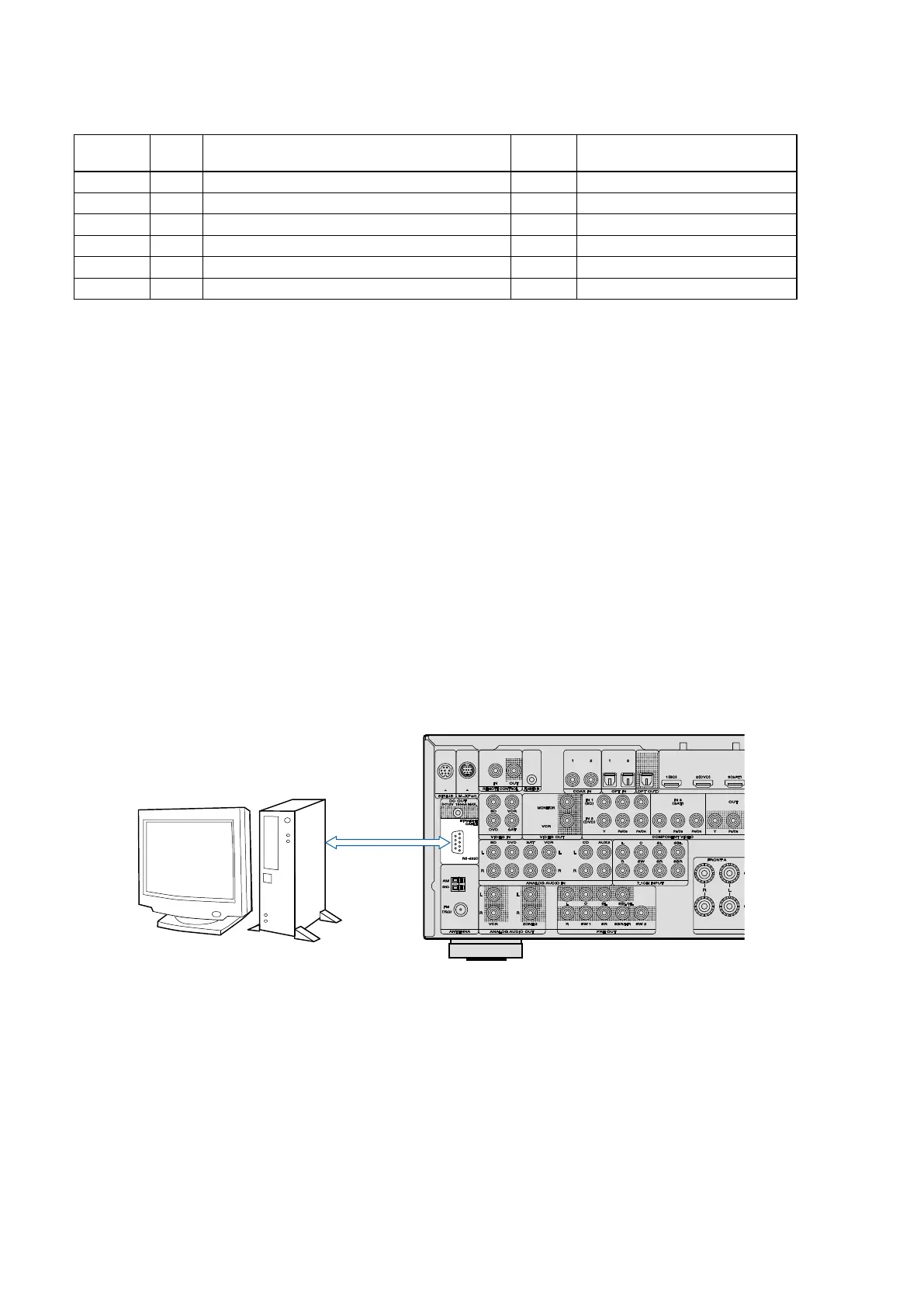
(2) RS-232 cable (9P (Male), Straight).
2. Connection of the AV receiver
(1) Confi rm the power on/off switch of the AV receiver is turning off.
(2) Connect the RS-232C cable from PC with the AV receiver.
3. Turn on the AV receiver
Operate the following. Turn on the AV receiver.
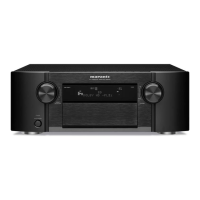
(1) Connect the power cable to the AC outlet while simultaneously pushing the "CURSOR
0
"
button and the "RETURN"
button of the front panel.
(2) Confi rm the power indicator is green and “WRITTING” is displayed in the front panel.
PC
RS-232C Cable


 To Next Page