Registering to Favorites (Save to
Favorites)
You can register a total of 100 favorites.
n
Supported input sources :
Internet Radio / Media Server / Pandora / SiriusXM
1
While content is playing, press OPTION.
The option menu screen is displayed.
2
Use ui to select “Save to Favorites”, then press
ENTER.
“Favorite added” is displayed, and the current content is added to
favorites.
0
The display returns to the playback screen when the procedure is
completed.
Playing back content added to
Favorites
1
Press ONLINE MUSIC.
2
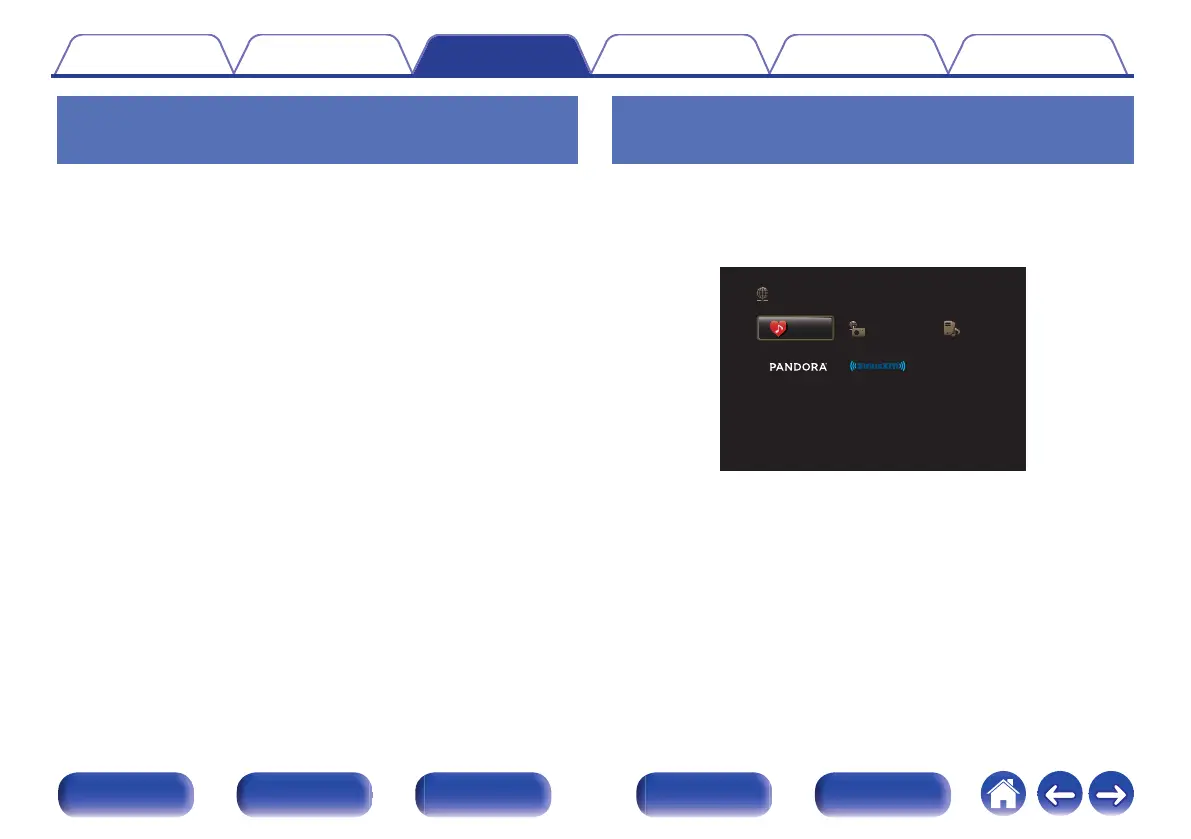
Use uio p to select “Favorites”, then press ENTER.
.
Favorites Internet Radio
Online Music
Media Server
3
Use ui to select the content you want to play, then
press ENTER.
Playback starts.
Contents
Connections Playback Settings Tips Appendix
129
Front panel Display Rear panel Remote Index



 To Next Page