n
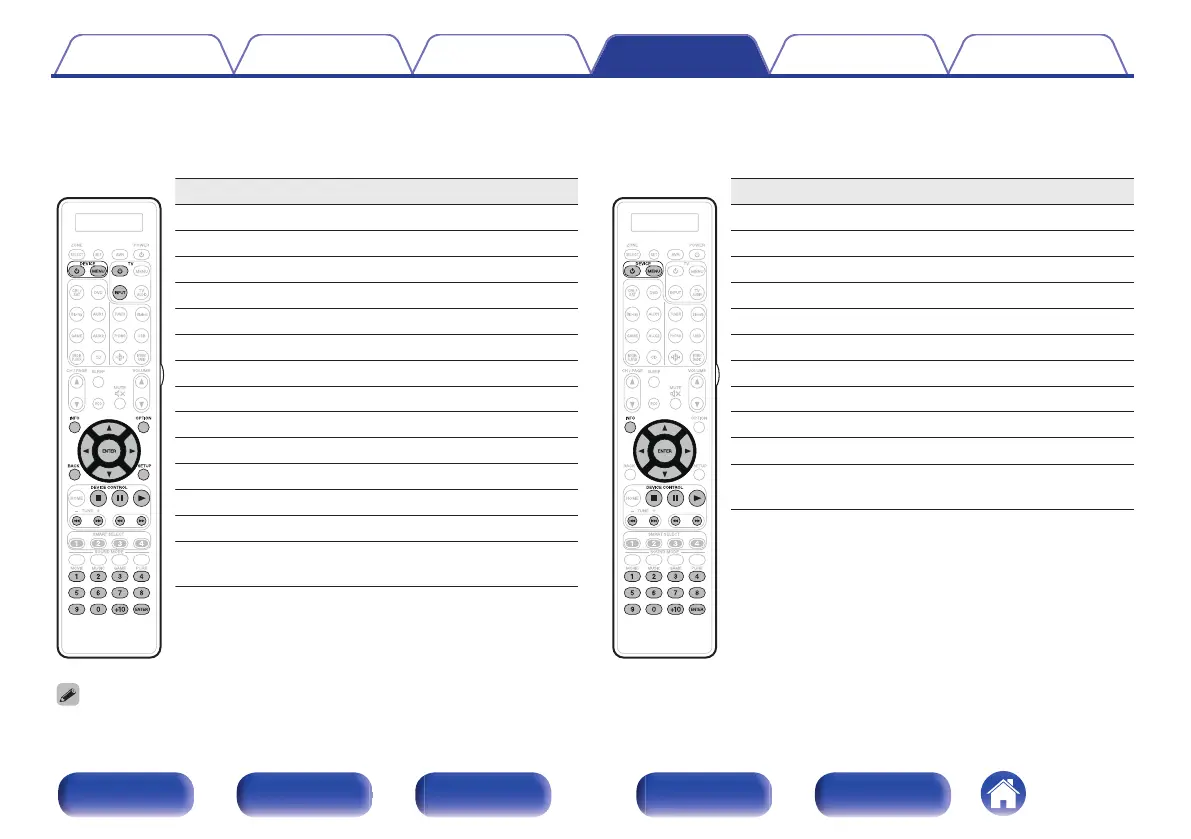
DVD group
(DVD player / DVD recorder) operation
Operation buttons Function
DEVICE X
Power on/off
DEVICE MENU (Popup) Menu
INFO Information
OPTION Top menu
u i o p
Cursor operation
ENTER Enter
BACK Back
SETUP Setup
2
Stop
3
Pause
1
Playback
8 9
Skip chapter
6 7
Fast-reverse / Fast-forward
0 – 9, +10
Select title, chapter or channel
selection
n
CD group
(CD player / CD recorder) operation
Operation buttons Function
DEVICE X
Power on/off
DEVICE MENU (Popup) Menu
INFO Information
u i o p
Cursor operation
ENTER Enter
2
Stop
3
Pause
1
Playback
8 9
Skip chapter
6 7
Fast-reverse / Fast-forward
0 – 9, +10
Select title, chapter or channel
selection
0
Depending on the device, the DEVICE X button only performs the power-on operation.
Contents Connections Playback Settings Tips Appendix
260
Front panel Display Rear panel Remote Index



 To Next Page