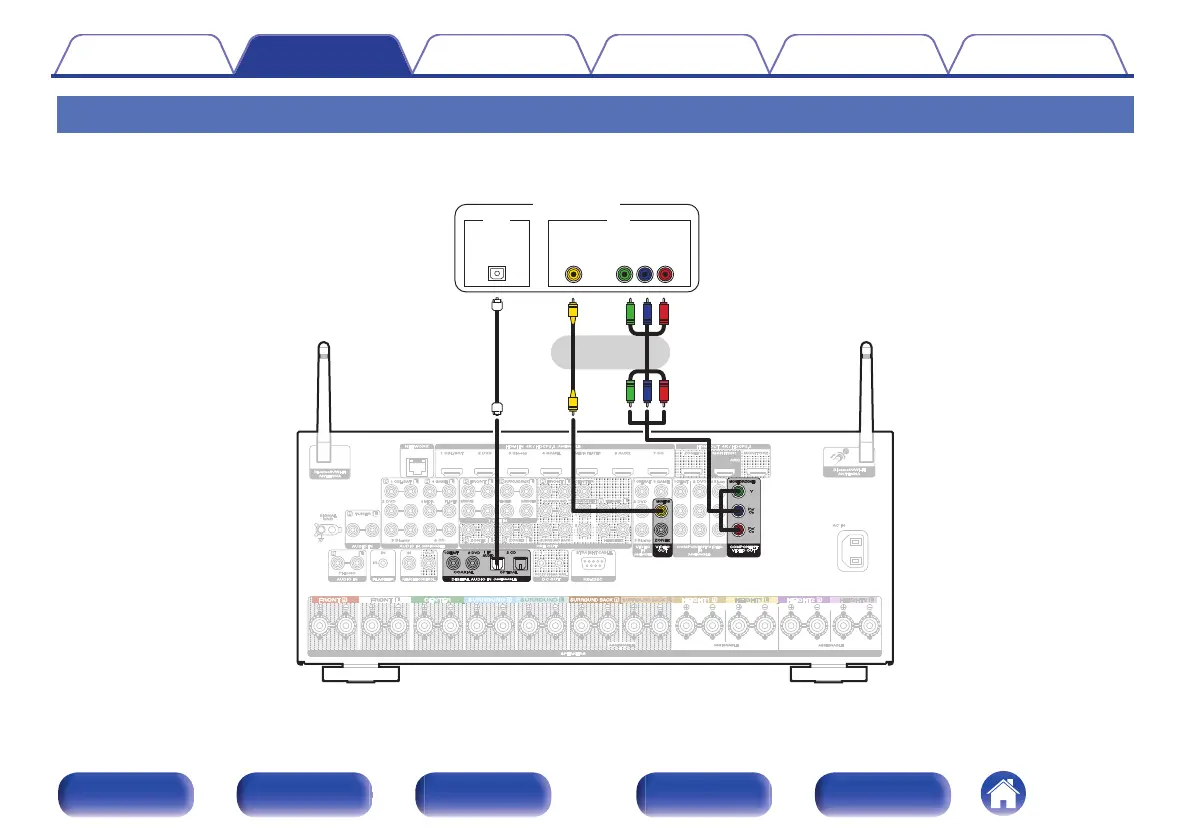
Connection 3 : TV equipped without an HDMI connector
Use a component video or a video cable to connect the TV to this unit.
To listen to audio from TV on this unit, use an optical cable to connect the TV to this unit.
.
OUT
OPTICAL
OUT
IN
VIDEO
COMPONENT VIDEO
YP
B PR
IN
IN
TV
or
Contents
Connections Playback Settings Tips Appendix
80
Front panel Display Rear panel Remote Index



 To Next Page