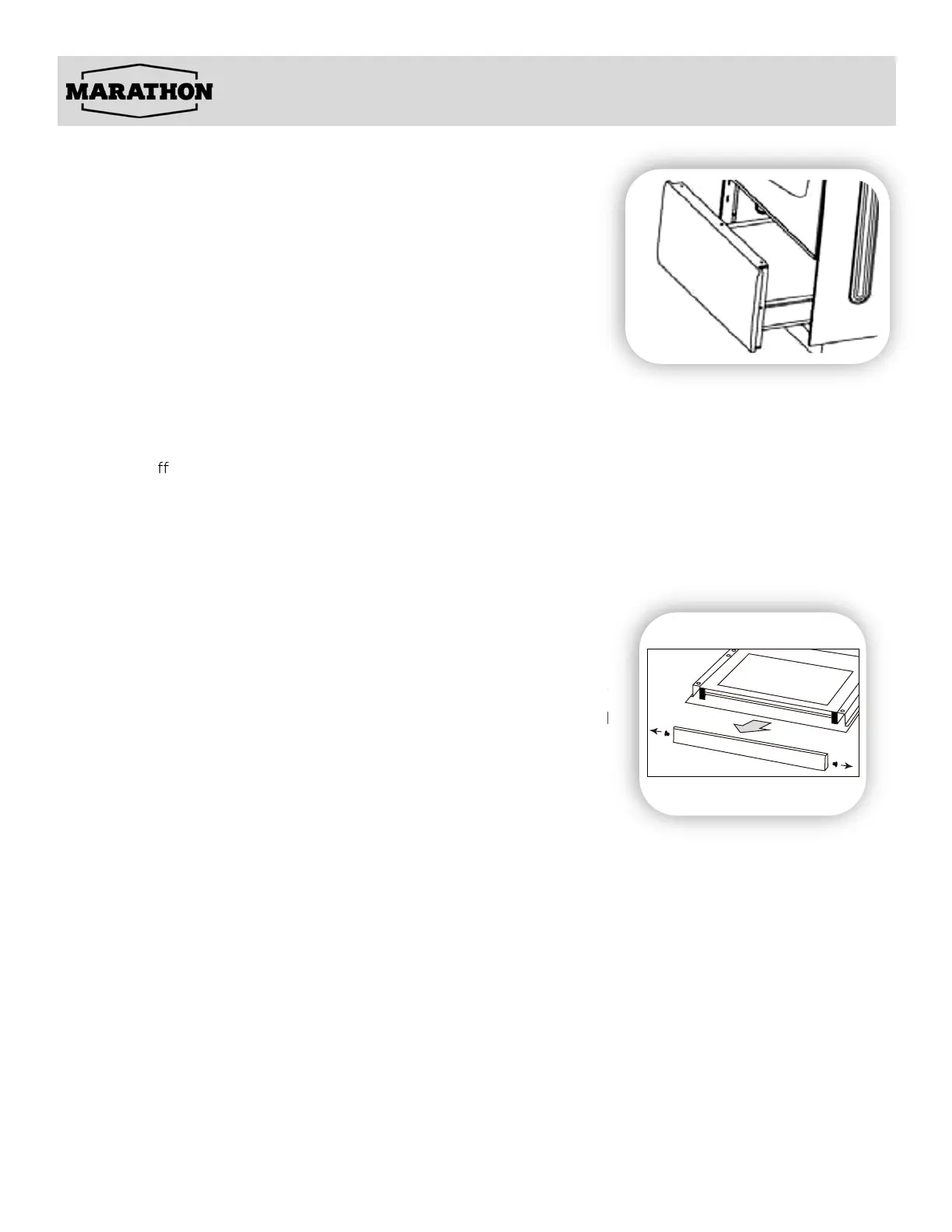
REMOVABLE STORAGE DRAWER
For cleaning, you can remove the drawer by pulling it out until the
stop point and lifting it up.
Never store any flammable material in the drawer.
REPLACING THE OVEN LIGHT
Before any maintenance is started involving electrical parts of the appliance, it must be disconnected from
the power supply.
• Let the oven cavity cool down completely
• Switch o
the electric supply.
• Remove the protective cover.
• Unscrew and replace the bulb with a new one suitable for high temperature (300°C ~ 570°C) having
the same specifications: 240V 60Hz, 25W, G9.
• Replace the protective cover.
NOTE: Please note the oven light turns on, and stays on when using the "BAKE" or "BROIL" functions.
Oven bulb replacement is not covere
d under warranty
CLEANING THE INSIDE OF THE OVEN DOOR
In the event food or liquid falls in between the glass oven door panels,
remove the door, unscrew and unfasten the plastic latch that is in the
corner at the top of the door. Next take out the glass from t
he second
blocking mechanism and remove. After cleaning, insert and block the
glass panel and screw in the blocking mechanism
Care and Maintenance


 To Next Page