EasyManua.ls Logo

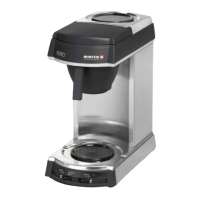
Marco FILTRO - User Manual

Marco FILTRO
9 pages
Print Icon
To Next Page IconTo Next Page
Loading...
Service Manual 1000615 Filtro Jug MF 1000616 Filtro Flask MF 02-05-06 Page 1 of 9
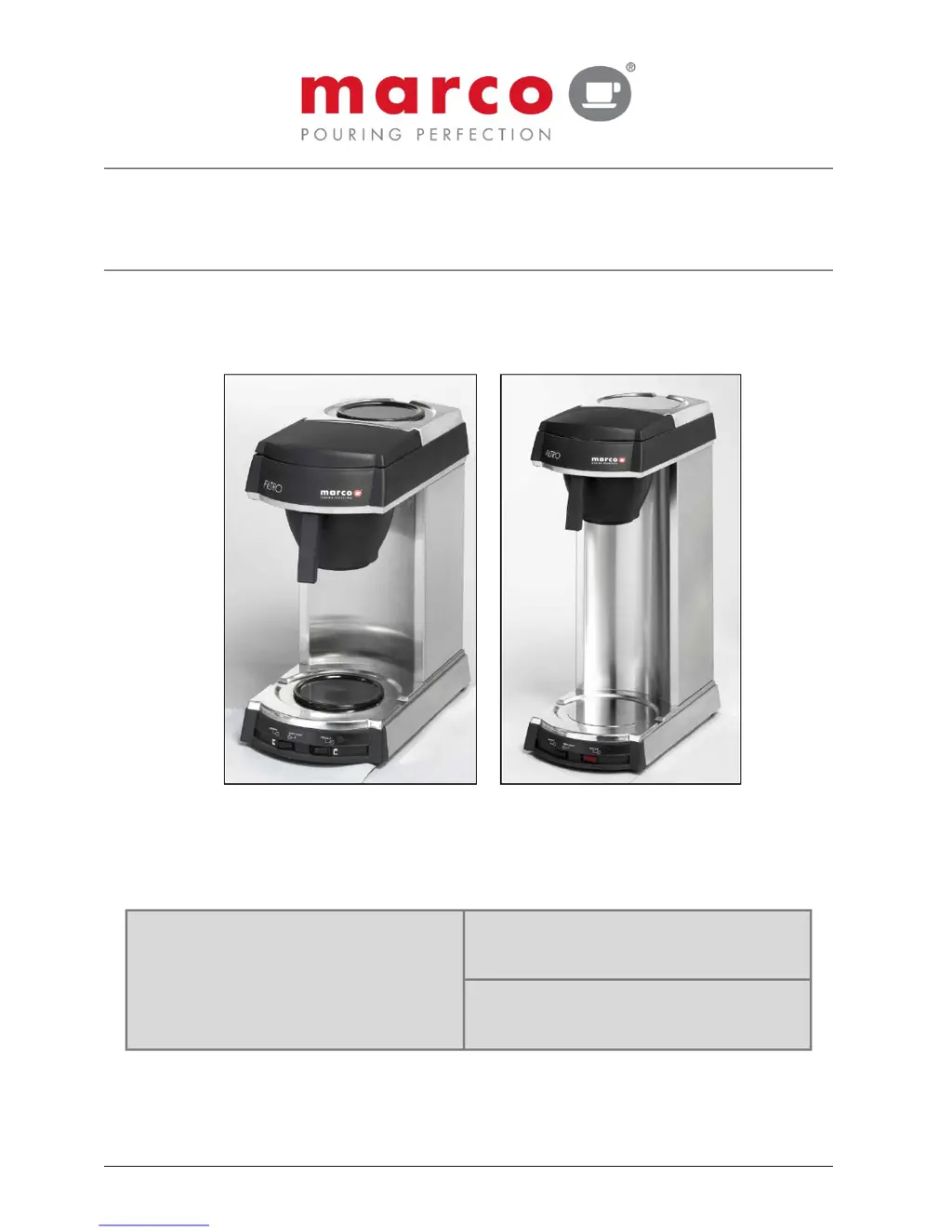
FILTRO
Manual-Fill Jug & Flask Version
- P/N: (Jug) 1000615 ; (Flask) 1000616
SERVICE MANUAL
Marco Beverage Systems Ltd.
63d Heather Road,
Sandyford Industrial Estate,
Dublin 18,
Republic of Ireland
Ireland Tel: (01) 295 2674
Ireland Fax: (01) 295 3715
UK Tel: (0207) 274 4577
UK Fax: (0207) 978 8141

Questions and Answers

  • K
    Krystal HarrisJul 26, 2025
    What to do if the 'Descale' LED stays on after descaling Marco Coffee Maker?
    • E
      Eric GravesJul 26, 2025
      If the "Descale" LED on your Marco Coffee Maker remains illuminated even after performing a descale operation, it's likely that the "Descale" counter wasn't reset. To resolve this, reset the "Descale" counter at power-up.
  • L
    lynnericksonAug 1, 2025
    Why is the 'Brewing' LED on, but no water flows in my Marco Coffee Maker?
    • M
      michellevasquezAug 1, 2025
      If your Marco Coffee Maker's "Brewing" LED is on, but no water flows into the filter basket, it could be due to the dry boil or thermal fuse on the boiler triggering and holding the boiler off. Try descaling the boiler. If that doesn't work, the boiler may need replacement.
  • L
    lshawAug 5, 2025
    How to fix too weak coffee from Marco FILTRO?
    • T
      timothy05Aug 5, 2025
      If your Marco Coffee Maker is producing coffee that tastes too weak, it could be due to a few reasons: not enough ground coffee being used in the filter, or the spray head disk being scaled up or dirty, leading to uneven flow. To fix this, increase the amount of coffee you're using. Also, remove the spray head disc and clean it thoroughly.
  • L
    Larry FordAug 10, 2025
    Why is the coffee too strong from my Marco FILTRO Coffee Maker?
    • P
      perrymichaelAug 10, 2025
      If your Marco Coffee Maker is producing coffee that tastes too strong, it's likely that too much ground coffee has been used in the filter. To resolve this, simply reduce the amount of coffee you're using.
  • J
    John EvansAug 15, 2025
    What to do if Marco Coffee Maker is leaking water?
    • J
      jacob36Aug 15, 2025
      If you notice water coming from under your Marco Coffee Maker, it indicates that the overflow is active because the tank is being over-filled. Use the machine to empty the tank. A full tank is about 2.3L.
  • D
    Douglas GarciaAug 21, 2025
    Why is the 'Descale' LED on my Marco FILTRO Coffee Maker on?
    • D
      Daniel RamirezAug 21, 2025
      If the "Descale" LED has turned on on your Marco Coffee Maker, it means that the unit has operated for 300 cycles since the last descale. To resolve this, descale the boiler.

Summary

Introduction and Safety

Safety Instructions

Safety guidelines for the coffee brewer, covering electrical safety and proper usage.

Technical Details and Setup

Technical Specifications

Key technical data including model, voltage, power, dimensions, weight, and capacity.

Installation Procedures

Guidelines for electrical connection and proper physical placement of the brewer.

Operation and Priming

Instructions for initial setup (priming) and basic operation of the coffee brewer.

Brewing, Maintenance, and Cleaning

Brewing Coffee

Steps for brewing coffee, including grind size, coffee amount, and water filling.

Maintenance and Descaling

Regular maintenance requirements, focusing on the descaling procedure to prevent scale buildup.

Cleaning Procedures

Instructions for cleaning the exterior, glass jugs, flasks, and filter components.

Troubleshooting and Parts

Troubleshooting Guide

Common faults, possible causes, and recommended actions for resolving issues.

Spare Parts List

List of available spare parts with their corresponding part numbers and references.

Diagrams and Schematics

Component Illustrations

Visual diagrams identifying key components of the Filtro coffee brewer.

Wiring Diagrams

Electrical wiring schematics for both the Jug and Flask versions of the brewer.

Marco FILTRO Specifications

General IconGeneral
BrandMarco
ModelFILTRO
CategoryCoffee Maker
LanguageEnglish

Related product manuals