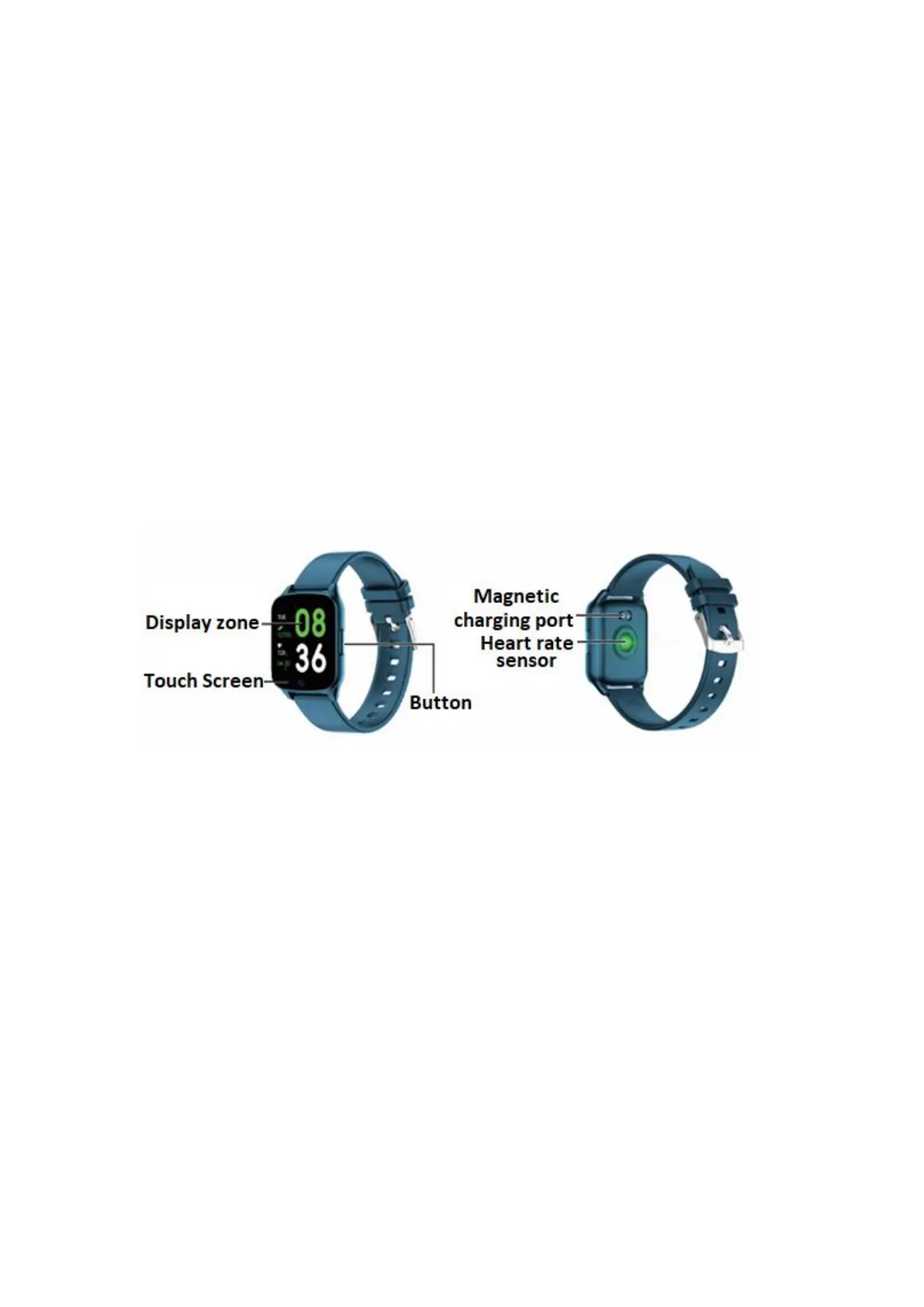
Notes:
1. The company reserves the right to modify the contents of this manual without any further
notification. It is normal that some functions may vary in certain versions of software.
2. 2. Please charge this product with the charger provided for no less than 2 hours before using it
for the first time.
3. In the APP, set personal information to sync time before using the smart watch. Please refer to
the instructions about synchronization for details.
4. The smart watch lights up when charging and when receiving notifications from the telephone.
Bright red during charging, green after fully charged, and color flickering when receiving
notifications.
1. Product Overview
Models can be paired with:
• Android phone: supports OS 5.0 and above
• Iphone : supports OS 9.0 and above
2. APP download and connection
1. Please scan the QR code below to download APP
It is recommended to use a browser to scan and download the app. Please give the
corresponding permissions in the download and installation process to ensure a good
Bluetooth connection.
The APP name is “Da Fit”.



 To Next Page