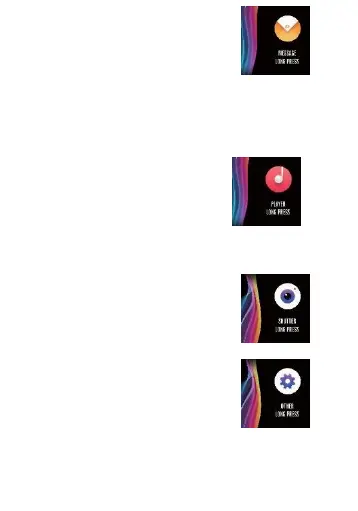
and in case that
there are already five
messages, the message
displayed
before will be replaced by new
message one by one.
Note: When entering the information content
interface, you can delete the current single message
by holding the touch area for 2
seconds.
10.
Music control
Connected to the mobile phone, the
smart
bracelet can control the music
player of the mobile phone. When
the mobile phone plays music, you
can use the smart bracelet
tocontrol
playing/pausing, the last song and
the next song.
11.
Photo control
Connected to the mobile phone, the
smart
bracelet can be used as the
remote control of the mobile camera.
After opening the "Photo Control" in
APP, you can "Shake"
the smart
bracelet and hold the touch button to
take photos.
12.
Settings
You can hold the "Settings" interface
to enter the functional interface.


 To Next Page