You can click on the touch area to
switch to the blood oxygen
measurement interface.
After you hold the blood oxygen interface
for 2 seconds, it will display "in
measurement".
After measurement, the
motor will vibrate once and display the
current test data.
Blood oxygen saturation (Sp〇2) is the percentage of the
volume of
oxygen-bound hemoglobin (Hb〇2) in the
binding hemoglobin in the blood, that is, the
concentration of oxygen in the blood.
Note: The data of blood pressure and oxygen are for
reference only, and cannot be used as the basis of medical
related aspects.
8.
Weather
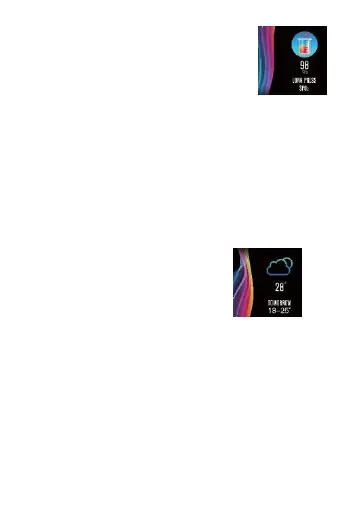
There is information about the
current weather, sir quality and
tomorrow weather on the weather
page.
There will be weather information after it is connected with
APP,
and the weather information will not be updated if it
is disconnected for a long time.
9.
Message
When switching to the information interface, you can
enter the information content after holding the touch
area for 2 seconds,
and then switch to the next
content after clicking the touch area,
which contains
the information pushed by
the short message and chat software.
Up to
five messages can be saved,


 To Next Page
 Loading...