16
When the Nº30.6 is taken out of standby mode, the source last se-
lected before going into standby will be automatically selected.
power user tip: Press and hold the active input button to have the
processor display the output format information, e.g.,
the bit depth and rate at which digital audio is being
converted to analog. This indicates the degree to
which the incoming signal has been “upconverted” for
improved performance. Another press of the button
will revert to displaying the normal input name and
rate.
4 Display
See “Display, Nº30.6” beginning on page 16.
5 display intensity
Pressing this button varies the brightness of the display. Four
brightness levels are available.
When power is first applied to the Nº30.6 (or when power is re-
stored after an interruption), the display is automatically set to its
brightest level.
Pressing the display intensity button once dims the display one
level; pressing it again dims it further; pressing it again turns the
display off. Pressing display intensity once more returns the dis-
play
to its brightest level.
6 digital record select
Pressing digital record select button allows you to select the
digital source you want to record to your digital recorder. It is pos-
sible to record a different digital source than the one selected for
listening.
To record a digital source connected to the Nº30.6, press digital
record select
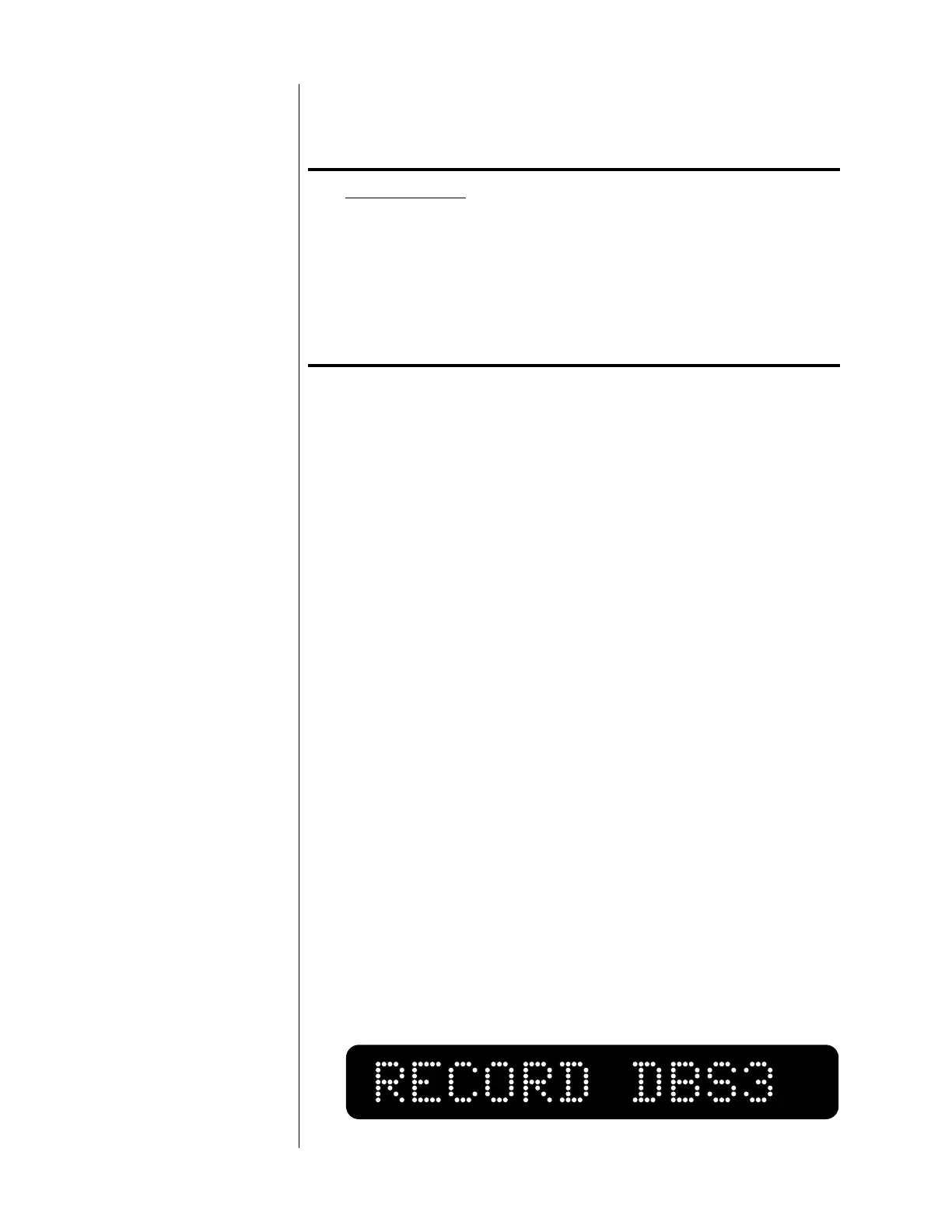
. The Nº30.6’s display will show RECORD followed
by the source currently selected. For example:


 To Next Page