16
3 Display
See “Display, Nº360S” beginning on page 20.
4 mode button
The mode button serves two functions, one in day-to-day opera-
tion and the other only during setup:
• In everyday use, the mode button allows you to see the status of
the
digital output and to turn it on or off.
• During setup, the mode button allows you to rename the vari-
ous inputs of the Nº360S to suit the needs of your system, mak-
ing it easier to use (especially for those who use the system in-
frequently). It also allows you to toggle the HDCD volume ad-
justment between Automatic and Manual.
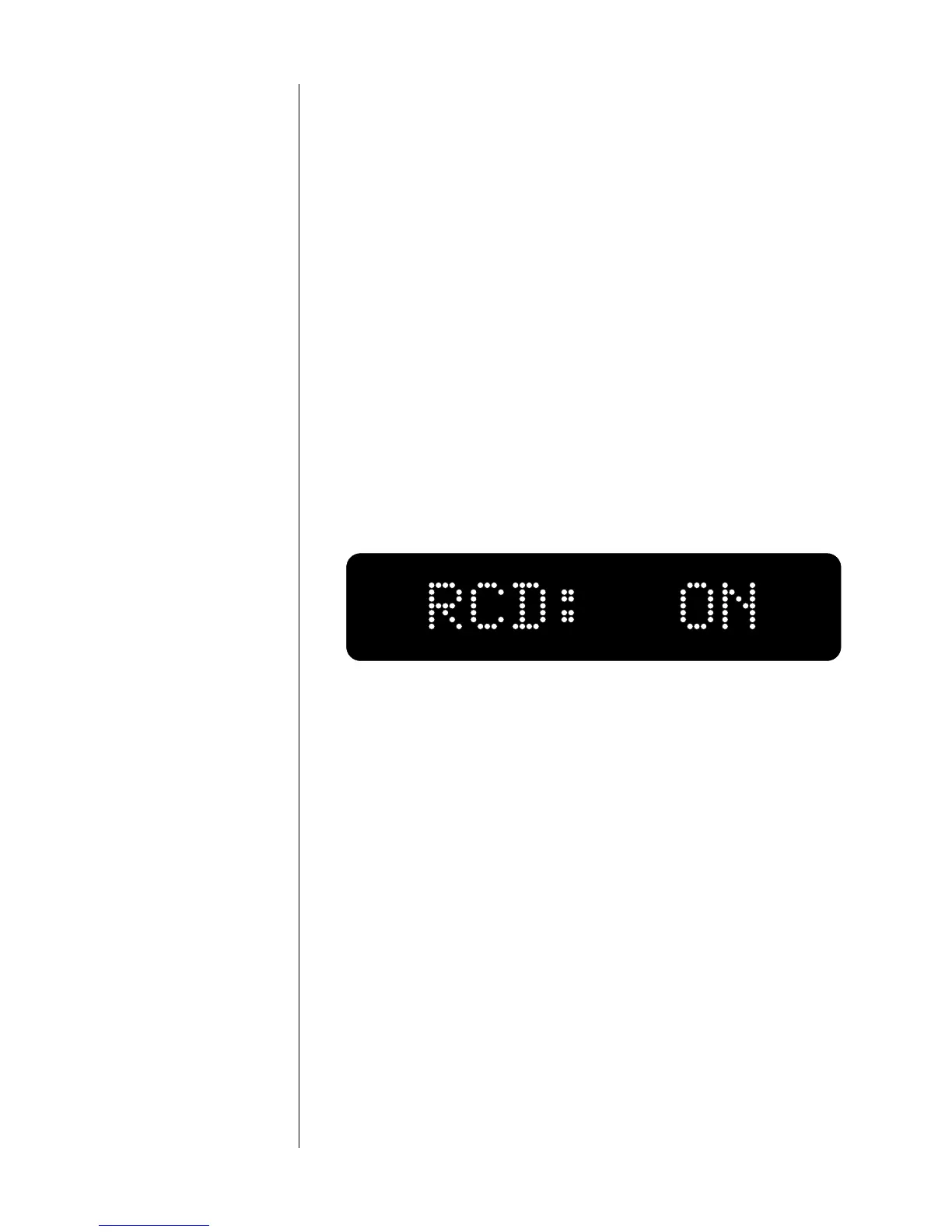
To check on whether your selected input is present at the digital
output, press mode once. This action causes the display to indicate
whether the digital record output is on or off. For example, the
display shown below indicates that the digital record output is on.
To disable the digital record output, press the mode button again
(while RCD: ON remains displayed). The display will read RCD: OFF
and the digital output of the Nº360S will be temporarily disabled.
This eliminates any potential interaction between the record out-
put circuitry of the Nº360S and the rest of your system. Repeat-
edly pressing the mode button while RCD: shows in the left half of
the display will toggle the Nº360S between RCD: OFF and RCD: ON
for the selected source.
After a few seconds, the display will return to its normal mode,
which is to display the selected source and current sampling fre-
quency.



 To Next Page