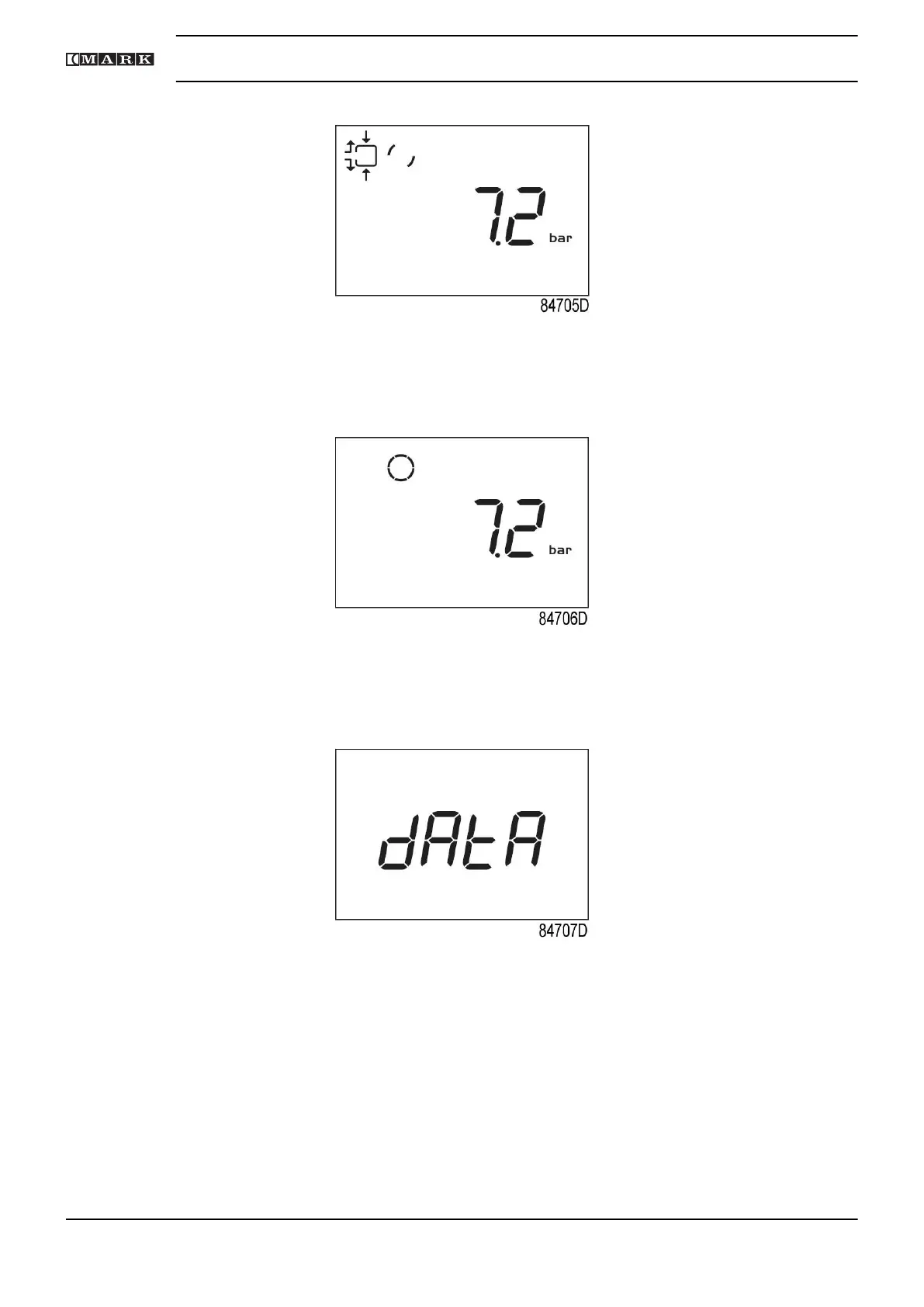
Screen with unloading compressor
After the unload time has elapsed, the compressor is stopped and the controller goes back to
main screen:
Main screen with pressure (stopped compressor)
To enter the main menu (starting from the Main screen), press the enter button (7) for 3 seconds.
The main menu is shown:
First screen of main menu
It is possible to scroll in the menu with the up or down buttons (4-8). To select one item push the
enter button (7). To end the current action push start/stop (3) button.
If the emergency stop button is pushed, the compressor stops immediately and the following
screen will appear:
Instruction book
30 2920 7201 40


 To Next Page