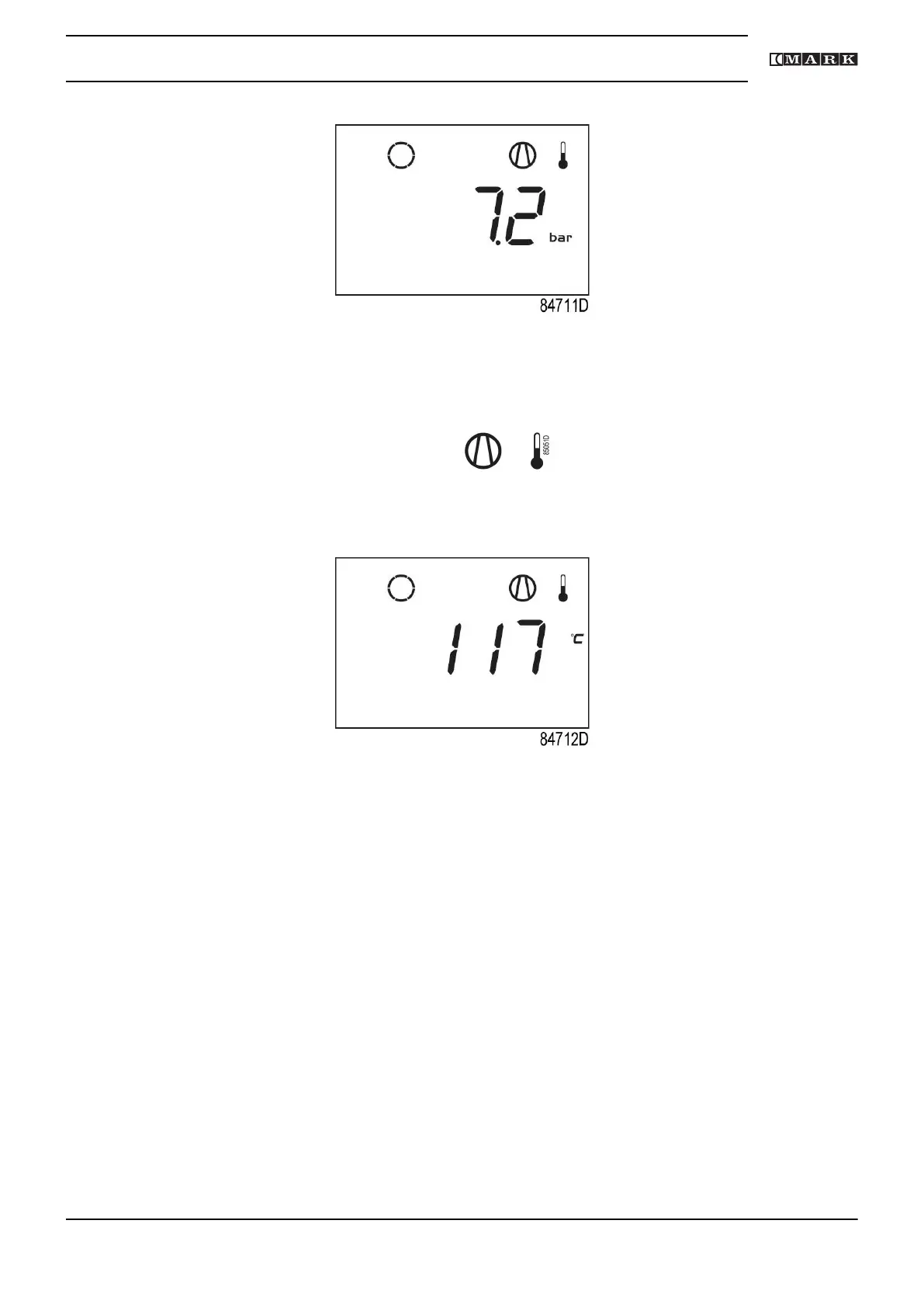
Main screen with shutdown indication, element outlet temperature
• The related pictograph
will appear flashing.
• Scroll Up or Down buttons (4-8) until the current element outlet temperature appears.
Shutdown screen, element outlet temperature
The screen shows that the temperature at the outlet of the compressor element is 117 ˚C.
• When the shutdown condition has been solved, press the Enter button (7) for 5 seconds.
• When <rSt> appears on the display, the compressor can be restarted.
Error pressure/temperature sensor
In the event of an error of the outlet pressure sensor (PT20) or temperature sensor (TT11):
• The compressor will stop or restart automatically.
• Alarm LED (5) will flash.
• The following screen will appear:
Instruction book
2920 7201 40 33


 To Next Page