EasyManua.ls Logo

Marshalltown Bullet EzSeries - User Manual

Marshalltown Bullet EzSeries
42 pages
Print Icon
To Next Page IconTo Next Page
Loading...
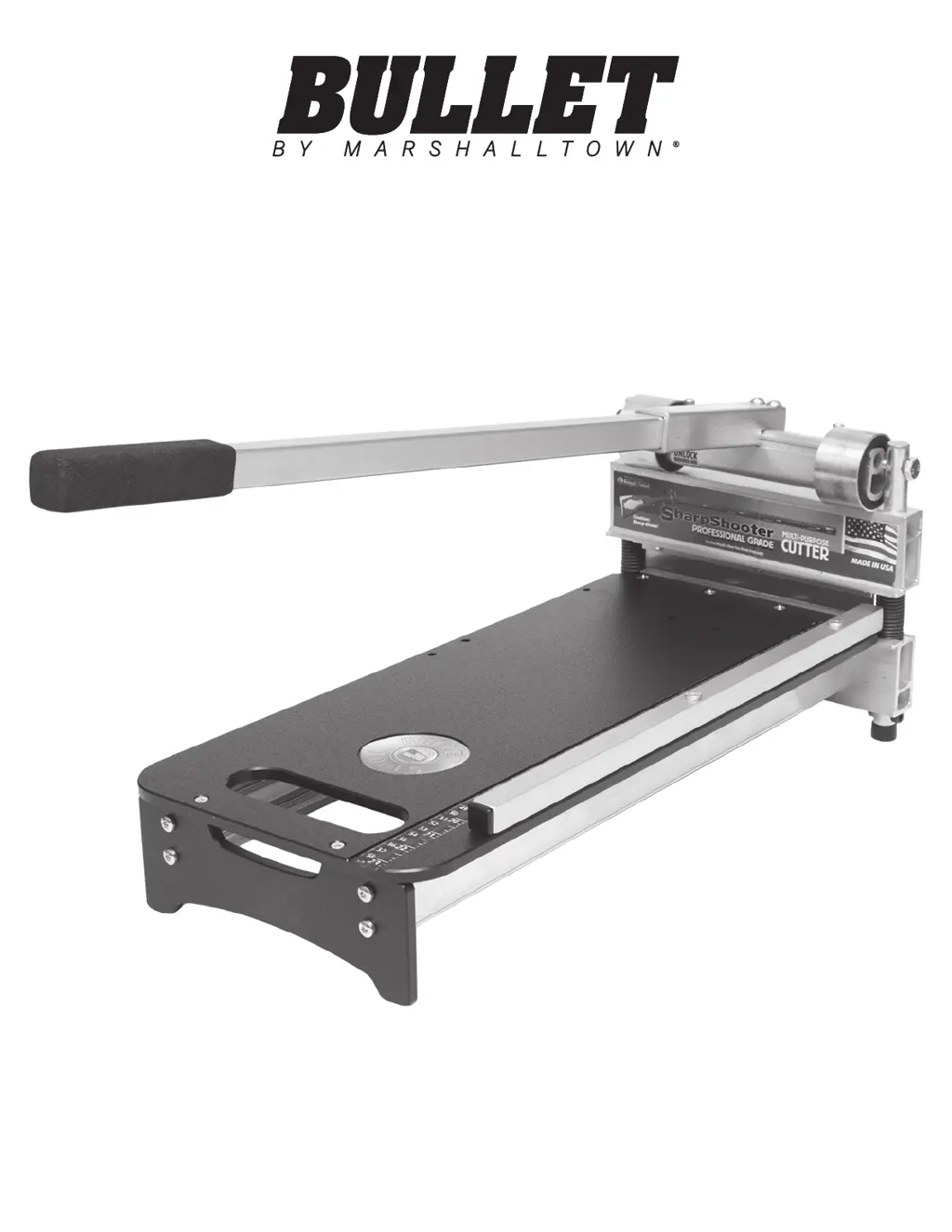
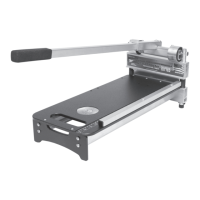
SHARPSHOOTER PRO
Part# ES00-PRO9 | EDI# 29980
104 S. 8th Ave. | Marshalltown, IA
Phone 800-888-0127 / 641-753-0127 | Fax 800-477-6341 / 641-753-6341
www.MARSHALLTOWN.com
WS2550

Questions and Answers

  • E
    Eddie MerrittAug 15, 2025
    How to troubleshoot cutting difficulty with a Marshalltown Power Tool?
    • T
      Tracy HughesAug 15, 2025
      To address difficulty cutting with your Marshalltown Power Tool, ensure the cam lock is OFF. If your model is 226, engage the power lobes. Also, make sure the handle is FULLY extended, check the blade's sharpness and condition, and inspect/lubricate the bearings and pins.
  • L
    Lindsay HullAug 18, 2025
    What to do if the blade is sticking on my Marshalltown Bullet EzSeries?
    • V
      Victoria BrownAug 18, 2025
      If your Marshalltown Power Tool's blade is sticking after completing cuts, check and replace the blade stops if damaged. Ensure the blade screws are tight. You can also remove the anvil, turn it over, and reinstall it. Finally, check the anvil for marks (overbite).
  • O
    Olivia PowellAug 21, 2025
    What to do if my Marshalltown Bullet EzSeries Power Tool is not cutting completely through material?
    • W
      williamsshaneAug 21, 2025
      If your Marshalltown Power Tool is not cutting completely through material, inspect the pins for oblong or wallowed orifices. For MAGNUM shears, adjust the front stroke stop. Also, check the bearings for wear or play, and ensure the blade is at the proper nominal height.
  • F
    fordmorganAug 25, 2025
    Why are cuts rough or crushed with my Marshalltown Power Tool?
    • W
      Whitney HarrisAug 26, 2025
      If you're experiencing rough or crushed cuts with your Marshalltown Power Tool, check the veneer thickness (maximum 1/16"). Inspect the blade condition for chips, burrs, or breaks. Ensure the blade is honed and sharp. Lastly, review the approved materials list.
  • B
    Brooke LeeAug 28, 2025
    What to do if the handle is not returning to open position on my Marshalltown Power Tool?
    • C
      Carrie ConleyAug 29, 2025
      If your Marshalltown Power Tool handle is not returning to the open position, ensure the pins are lubricated. Apply grease to the contact area of the bearing. Lubricate the axle bolts and check the springs for breakage.
  • A
    andrewwilliamsAug 31, 2025
    How to fix cuts that aren't square with a Marshalltown Bullet EzSeries?
    • L
      Lauren ReyesSep 1, 2025
      If the cuts aren't square with your Marshalltown Power Tool, loosen the fence screws, align the fence, and then tighten them. Check the pins for uneven wear. Inspect the blade and anvil/blade-stop for contact.
  • J
    James PadillaSep 4, 2025
    What to do if material won't fit into the cut area of my Marshalltown Bullet EzSeries?
    • J
      Julie DaySep 4, 2025
      If material won't fit into the cut area of your Marshalltown Power Tool, check the maximum thickness of the material for your shear. Reverse the back stroke stop. Ensure the blade is at the proper nominal height. If you have two bearings, switch which bearing is engaged.
  • A
    andrew64Sep 7, 2025
    How to prevent blade chipping on my Marshalltown Power Tool?
    • E
      Eric RodriguezSep 7, 2025
      To prevent blade chipping on your Marshalltown Power Tool, hone the blade as directed in the manual (approximately every 25 cuts, then daily). Avoid cutting stranded bamboo or high-pressure laminate. Check the veneer thickness (maximum 1/16").
  • D
    Dana SpencerSep 12, 2025
    What to do if my Marshalltown Bullet EzSeries is not cutting to the edge of the material?
    • R
      rebecca29Sep 12, 2025
      To fix your Marshalltown Power Tool not cutting to the edge of the material, check the fence alignment and adjust if needed. Avoid angling the material beyond the blade edge. Ensure angle fences are installed with the wide edge inward (620 model).

Summary

INTRODUCTION

SAFETY PRECAUTIONS

General Safety Precautions

General safety guidelines for operating the flooring shear, including warnings and precautions.

California Proposition 65 Warning

Warning regarding chemicals known to cause cancer, birth defects, or reproductive harm.

SAFETY DECALS

WARRANTY

PRODUCT OPERATION

Safety Lock

Instructions for engaging and disengaging the shear's safety lock mechanism.

Transport

Guidelines for safely storing, carrying, and transporting the flooring shear.

Cutting Guide

Information on approved materials and limitations for cutting with the SharpShooter Pro.

45 DEGREE CUTS

Floppy Materials

Tips for cutting floppy materials by adjusting the anvil for easier processing.

Double Cutting

Method for performing double cuts to achieve cleaner material edges.

MAINTENANCE

Honing the Blade

Instructions on how to hone the shear blade to remove burrs and maintain sharpness.

Sharpening the Blade

Guidance on sharpening the shear blade, noting professional sharpening is recommended.

Replacing the Blade

Lubrication

PARTS BREAKDOWN

REPLACEMENT PARTS

TROUBLESHOOTING

Marshalltown Bullet EzSeries Specifications

General IconGeneral
BrandMarshalltown
ModelBullet EzSeries
CategoryPower Tool
LanguageEnglish

Related product manuals