EasyManua.ls Logo

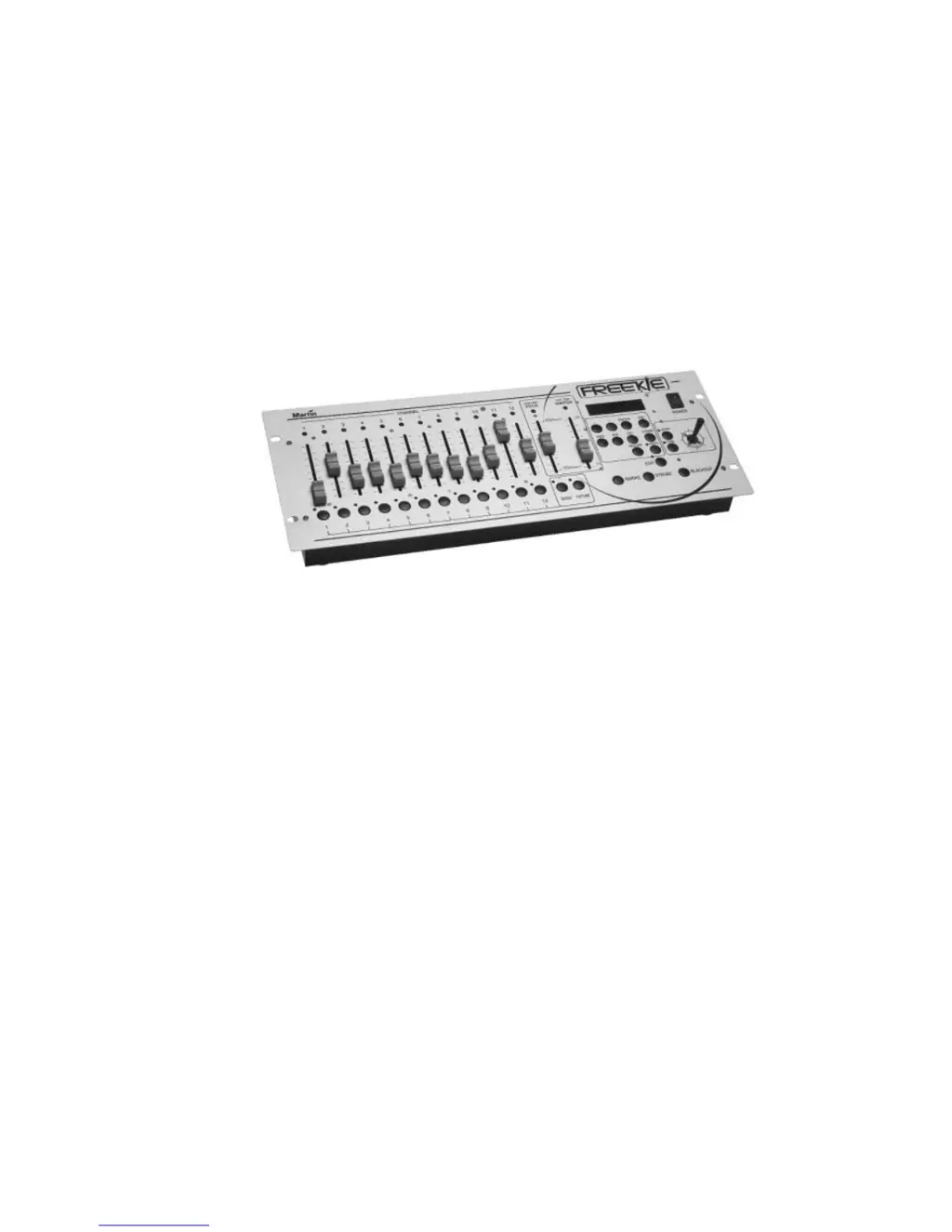
Martin Freekie - User Manual

Martin Freekie
24 pages
Print Icon
To Next Page IconTo Next Page
Loading...
Freekie
user manual

Questions and Answers

  • S
    Stacy SuttonAug 1, 2025
    Why do some Martin Freekie fixtures not respond or continuously reset?
    • W
      Wesley PhillipsAug 2, 2025
      Several factors could cause this issue: * A bad data link connection: Check the data link connections and cables. * Reversed DMX signal polarity: Swap pins 2 and 3. * DMX signal reflection: Insert a termination plug in the last light on the link. * Incorrect addressing of fixtures: Check the addresses. * Fixtures not turned on: Ensure all fixtures are powered on.
  • B
    Brian JonesAug 8, 2025
    What to do if none of the Martin Controller fixtures respond?
    • K
      Kevin JamesAug 8, 2025
      If none of the fixtures are responding, it could be due to the following reasons: * The controller is disconnected from the data link: Connect the controller. * Blackout or standby mode is selected: Press the blackout button.
  • E
    Erica NewtonAug 15, 2025
    Why is there no light from some or all Martin Freekie fixtures?
    • M
      mannlindsayAug 15, 2025
      If there is no light coming from some or all of your fixtures, the scenes may not contain ‘Lamp On’ instructions for fixtures with remote lamp on/off. To resolve this, make sure the “Lamp On” command is saved in at least one scene.
  • F
    Frances RichardsonAug 23, 2025
    How to fix Martin Controller fixtures that don't execute programming on some channels?
    • L
      Linda DavisAug 23, 2025
      If fixtures aren't executing programming on certain channels, the fader control might be overriding the programming. Deactivate the FIXTURE button to solve this.

Summary

Introduction

Safety Precautions

Details essential safety guidelines for using the Freekie, emphasizing domestic use prohibition and environmental considerations.

Installation

DMX Address Setting

Controller Set-up

Fixture Set-up

Guides users through configuring individual fixtures, including setting pan, tilt, and dimmer channels.

Programming Shows

Programming a Show

Step-by-step guide to programming a show, including selecting banks, shows, scenes, and setting parameters like fade and wait times.

Playback

Running a Show

Details how to select and run programmed shows, including options for bank and show selection.

Administrative Functions

Locking Edit Functions

Explains how to activate a PIN-code lock to prevent unauthorized access to edit functions.

Clearing Freekie Memory

Procedure to erase all data and settings from the Freekie controller's memory.

Troubleshooting

Martin Freekie Specifications

Power IconPower
direct current9 volts
output1 amp
power input9v DC input
DMX Capacity IconDMX Capacity
dmx signal input / outputDMX512
dmx signal output168 Channel
dmx connectorXLR 5 PIN (x2), 3 PIN (x2)
Weight and Dimensions IconWeight and Dimensions
height95 mm (3.7")
length482 mm (19.0")
width176 mm (6.9")
weight2.5 kg (5.5 lb)
supported rack size19” 4U

Related product manuals