MASTER SPA - LEGEND SERIES - CONTROLS
Setting the Time
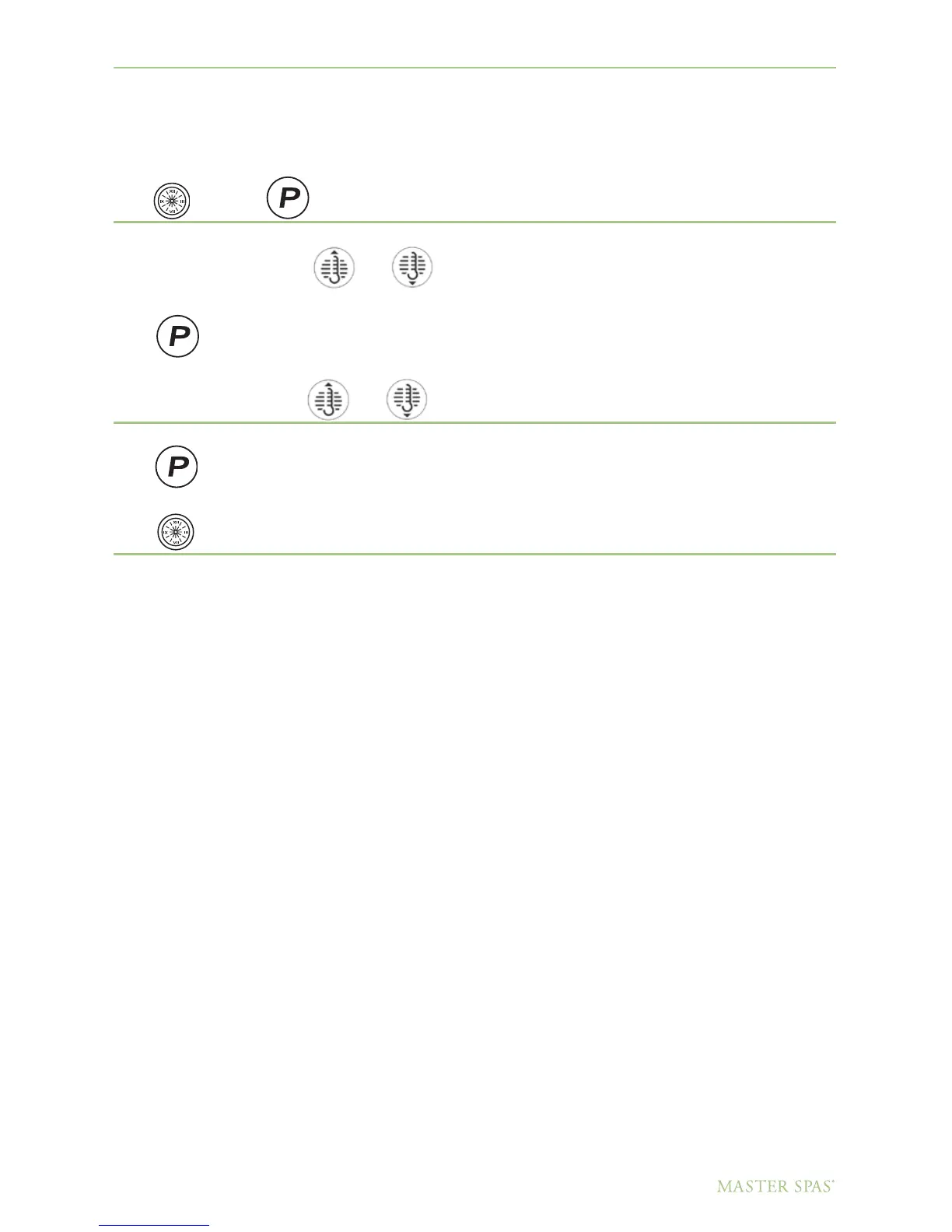
Once the spa has been properly connected the first time, notice the “Time” icon appearing
on the screen.
Press
Then
Select the hour by pressing
or
(Each press changes the time by 1 hour)
Press
to enter.
Select minutes by pressing
or
(Each press changes the time by 1 hour)
Press
to exit the time setting procedure and enter the optional filter cycle programming.
Press
to exit programming.
Optional Filter Cycle Programming
•Youarenotrequiredtosetfiltercycle;however,itisanoptionavailabletoyou.Tochangethefilter
cycle settings:
•Press“Time”“Program/Mode”“Program/Mode”“Program/Mode”within3seconds.Youwillseethe
“Program,” “Filter 1” and “Start Time” icons appear on the display.
•Press“Warm”or“Cool”tochoosethefilterstarttimehour.Enterthehourbypressing“Program/
Mode”. Press “Warm” or “Cool” to choose the filter start time minutes. Each press changes the start
time by 5 minutes.
•Entertheminutesbypressing“Program/Mode.”
•Press“Program/Mode”toseethe“PROGRAM,”“FILTER1”and“ENDTIME”icons.
Adjust the time as done above.
•Press“Program/Mode”toseethe“PROGRAM,”“FILTER2”and“STARTTIME”icons.
Adjust the time as done above.
•Press“Program/Mode”toseethe“PROGRAM,”“FILTER2”and“ENDTIME”icons.
Adjust the time as done above.
•Pressing“Program/Mode”willenterthenewfiltercycletimesintothesystemanddisplay
the current water temperature.
•Pressing“Time”atanytimeduringthisprogrammingsequencewillsavethevaluesentered
up to that point and exit programming.
•Ifyouwouldliketoselectcontinuousfiltration,setthefilter1startandendtimestobetheexact
same time.
Continued on page 38.
37
DO NOT DIVE.



 To Next Page