77DO NOT DIVE.
NAVIGATION
Navigating the entire menu structure
is done with 2 or 3 buttons on the control
panel.
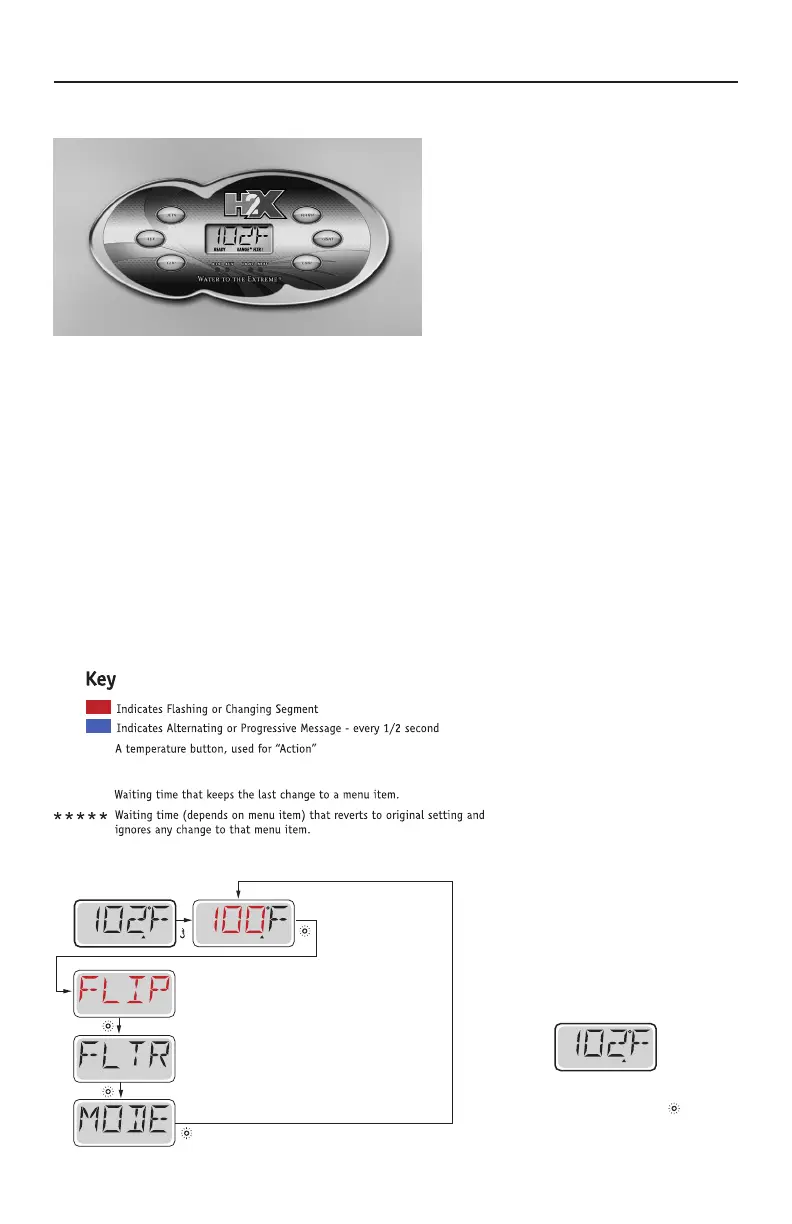
Some panels have separate WARM (Up)
and COOL (Down) buttons, while others
have a single Temperature button. In the
navigation diagrams Temperature buttons
are indicated by a single button icon.
Panels that have two Temperature buttons (Warm and Cool) can use both of them to simplify
navigation and programming where a single Temperature icon is shown.
The *LIGHT Button is also used to choose the various menus and navigate each section.
Typical use of the Temperature button(s) allows changing the Set Temperature while the numbers
are flashing in the LCD. Pressing the *LIGHT button while the numbers are flashing will enter the
menus.
The menus can be exited with certain button presses. Simply waiting for several seconds will return
the panel operation to normal.
*For Trainer 19 models, the light button is replaced by "*" on the Swim Side control panel. Use "*" instead of
light for menu navigation.
Main Screen
SET
While the Temperature is
still flashing, press Light.
SET
RANGE
READY
RANGE
FLTR1
Main Screen
READY
RANGE
FLTR1
READYSET
Waiting Several Seconds in the Main Menu
will allow the display to revert to the Main Screen.
Most changes are not saved unless Light is pressed.
Refer to Key above.
Power-up Screens
Each time the System powers up, a series of numbers is displayed.
After the startup sequence of numbers, the system will enter Priming Mode
Spa Controls - MP30
Main Menus



 To Next Page