14
Manual Regeneration:
Note: For softeners, if brine tank does not contain salt, fill with salt
and wait at least 2 hours before regeneration.
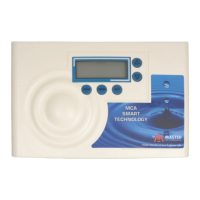
To initiate manual regeneration immediately, press and hold the
“REGEN” button for three seconds. The system will begin to regenerate
immediately. The request cannot be cancelled.
To initiate a manual regeneration at the preset delayed regeneration
time, when the regeneration time option is set to “NORMAL” or
“NORMAL + on 0”, press and release “REGEN”. The words “REGEN
TODAY” will flash on the display to indicate that the system will
regenerate at the preset delayed regeneration time. If you pressed
“REGEN” in error, pressing the button again will cancel the request.
Note: If the regeneration time option is set to “on 0” there is no set
delayed regeneration time so “REGEN TODAY” will not activate if
“REGEN” button is pressed.
Power Loss
If the power goes out for less than two hours, the system will
automatically reset itself. If an extended power outage occurs, the time
of day will flash on and off which indicates the time of day should be
reset. The system will remember the rest.
Error Message
If the word “ERROR” and a number are alternately flashing on the
display, contact a service technician for help. This means the valve is
unable to function properly. ( See page 21 )


 To Next Page