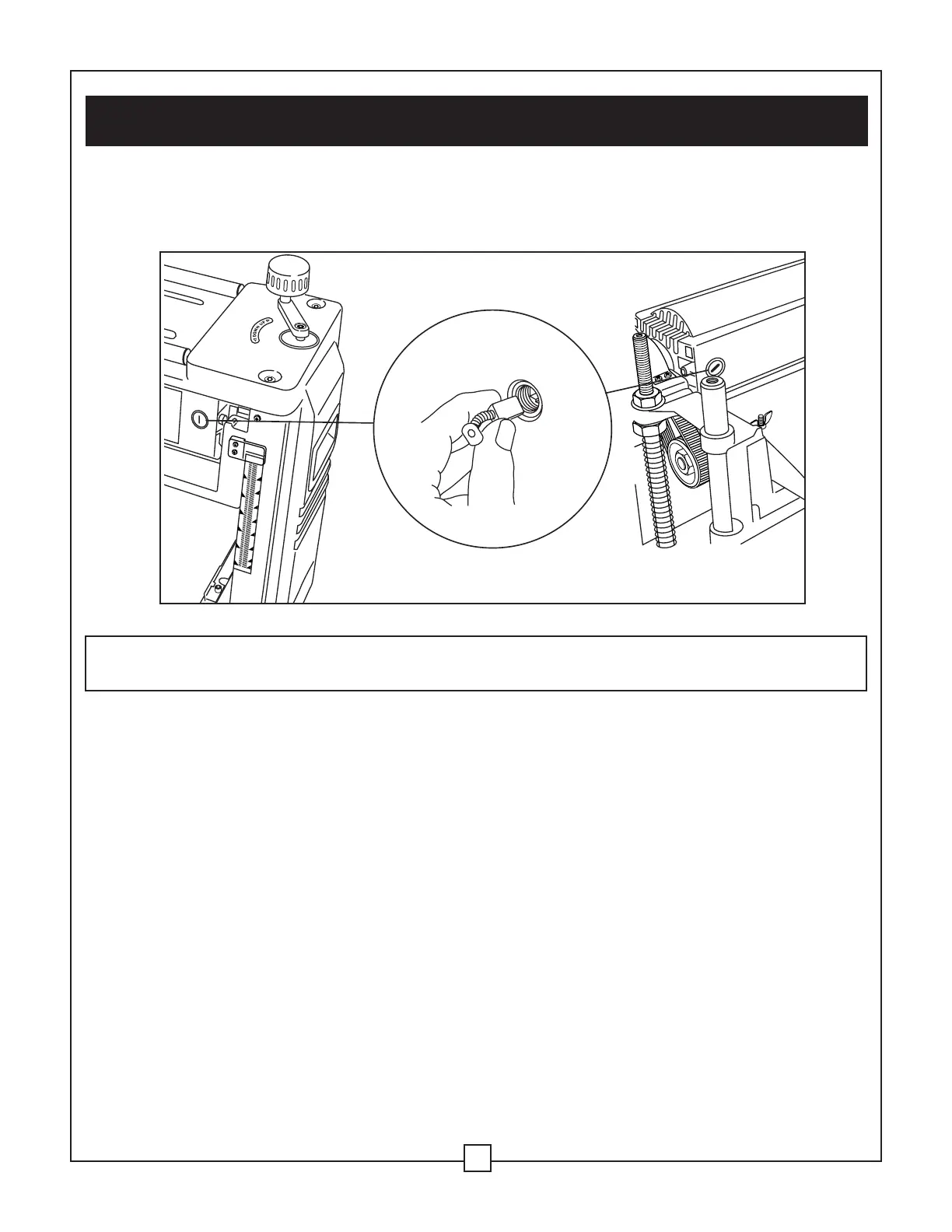
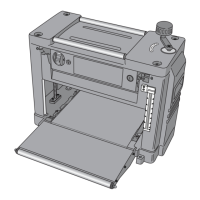
Carbon brush replacement (Fig. 17)
Check the condition of the carbon brushes after 50 hours of use of your new planer. If the
brushes are worn to 1/16" (2 mm) in length, replace them.
To inspect the carbon brushes:
1. With the planer cover off, loosen and remove the two brush caps using a slotted screwdriver.
2. Carefully remove the caps from the motor. The caps are spring-loaded from the spring on
the brush. Take note of their position in the motor.
3. Pull out the brush. Inspect the brush and replace if necessary. Be sure to replace both
brushes even if only one is damaged.
NOTE: After inspecting the brushes, be sure to install the brushes into the same position that
they were removed from if you are not installing new ones.
4. Position the brushes into the motor. Tighten the brush caps snugly. Do not overtighten.
WARNING: BE SURE TO UNPLUG THE POWER CORD FROM THE POWER SOURCE
BEFORE INSPECTING THE CARBON BRUSHES.
VIII. Maintenance ... continued
20
Fig. 17


 To Next Page