11
EN
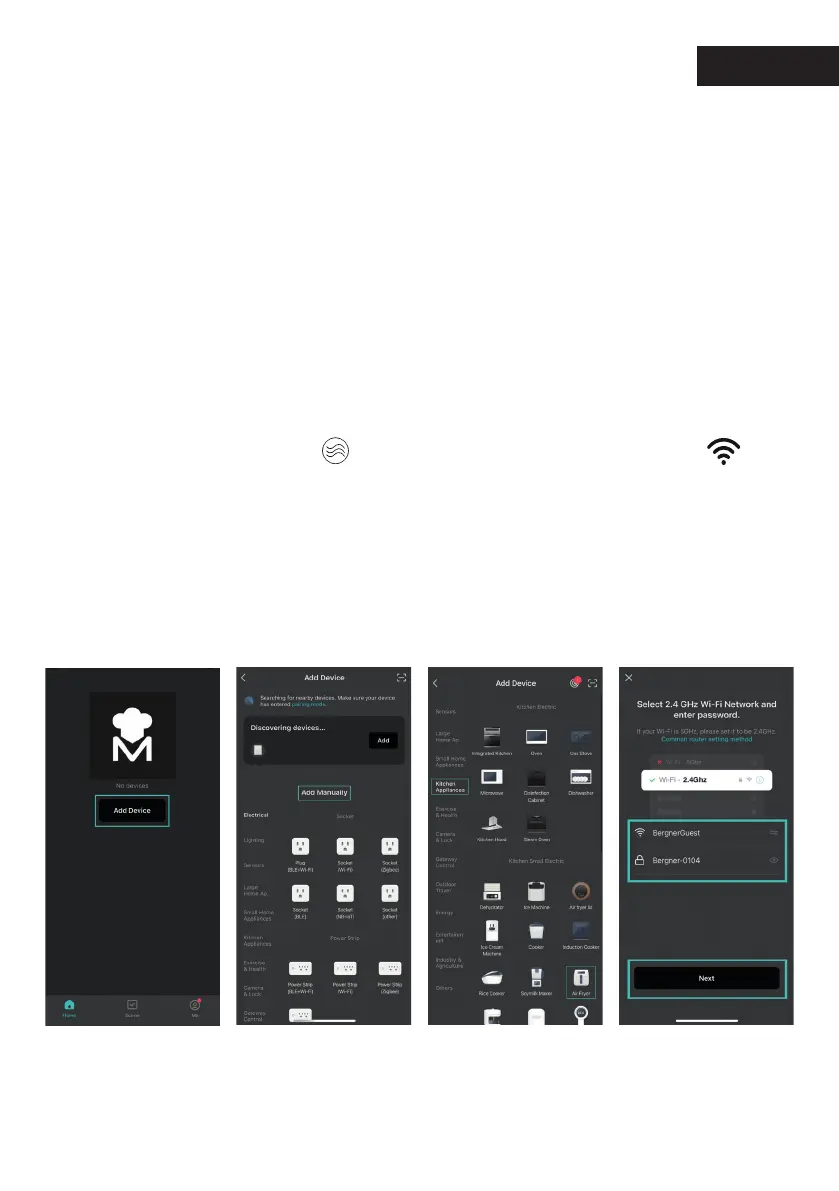
2- Add devices (manually and automatically).
Manual Add:
Click the central Add device button or the plus icon
in the upper right corner of the device list page to enter the add
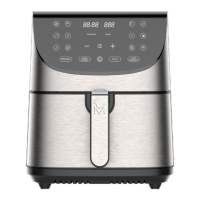
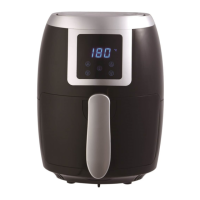
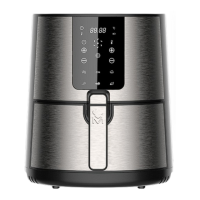
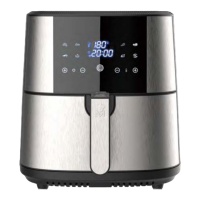
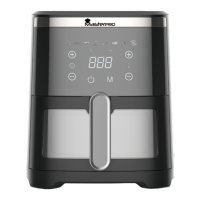
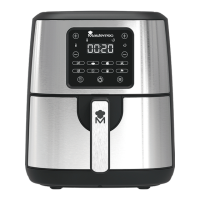
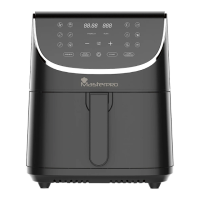
device interface, and nd the kitchen appliance: air fryer (WIFI and
Bluetooth of the phone should be turned on, and the APP should be
allowed to use WIFI and Bluetooth)
The "Enter WIFI password" page is displayed. Only 2.4ghz WIFI
network is supported. You need to enable Location permission
to automatically obtain WIFI. Enter the WIFI name and password
(ensure that the WIFI connected to the mobile phone is the same
WIFI). Press the button " " for 5S until the WIFI indicator " "
starts ashing on your air fryer display. Then, press Next bottom on
the cell phone to search for the air fryer and press it when it appears
on the screen.
Click on:
”Add to device”
To link the device manually, click on “Kitchen Appliances"
and then on the "Air Fryer" icon.
Enter the WiFi network.



 To Next Page