46
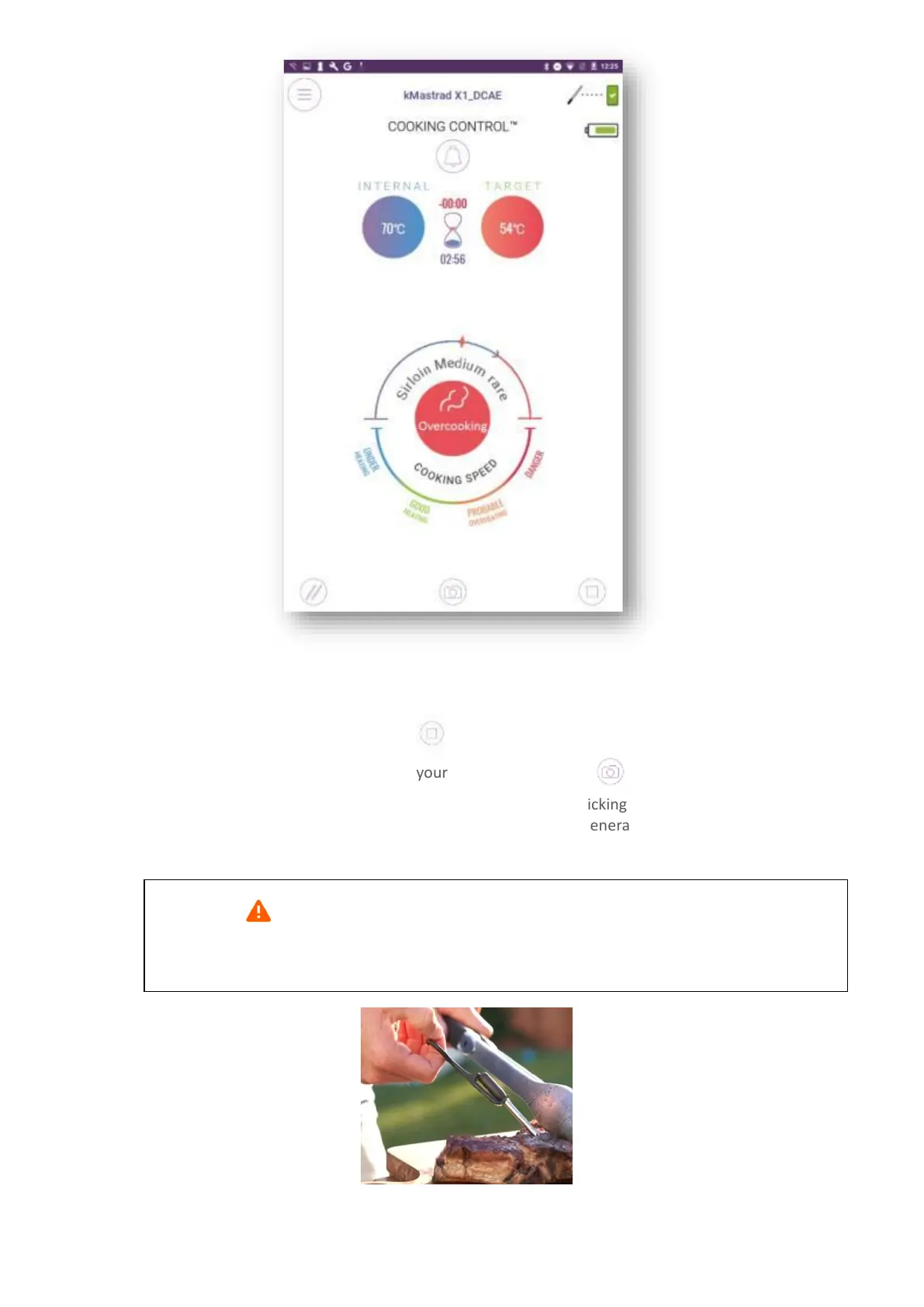
If the meat if over cooked, a red timer shows the excess cooking time. An audible alert also warns you
if the target temperature is exceeded.
To end the cooking program, click on . You can set a resting time (up to 5 minutes).
At any point, you can take a photo of your cooking by pressing . The app has to be able
to access to your camera, so make sure you give it access by clicking on “OK”. You can either take a
photo, or end your cooking program and take a photo, which generates the “Share result” screen
above.
Caution : At the end of cooking, the probe is extremely hot. To remove it, use the
extractor key located under the docking station.


 To Next Page