51
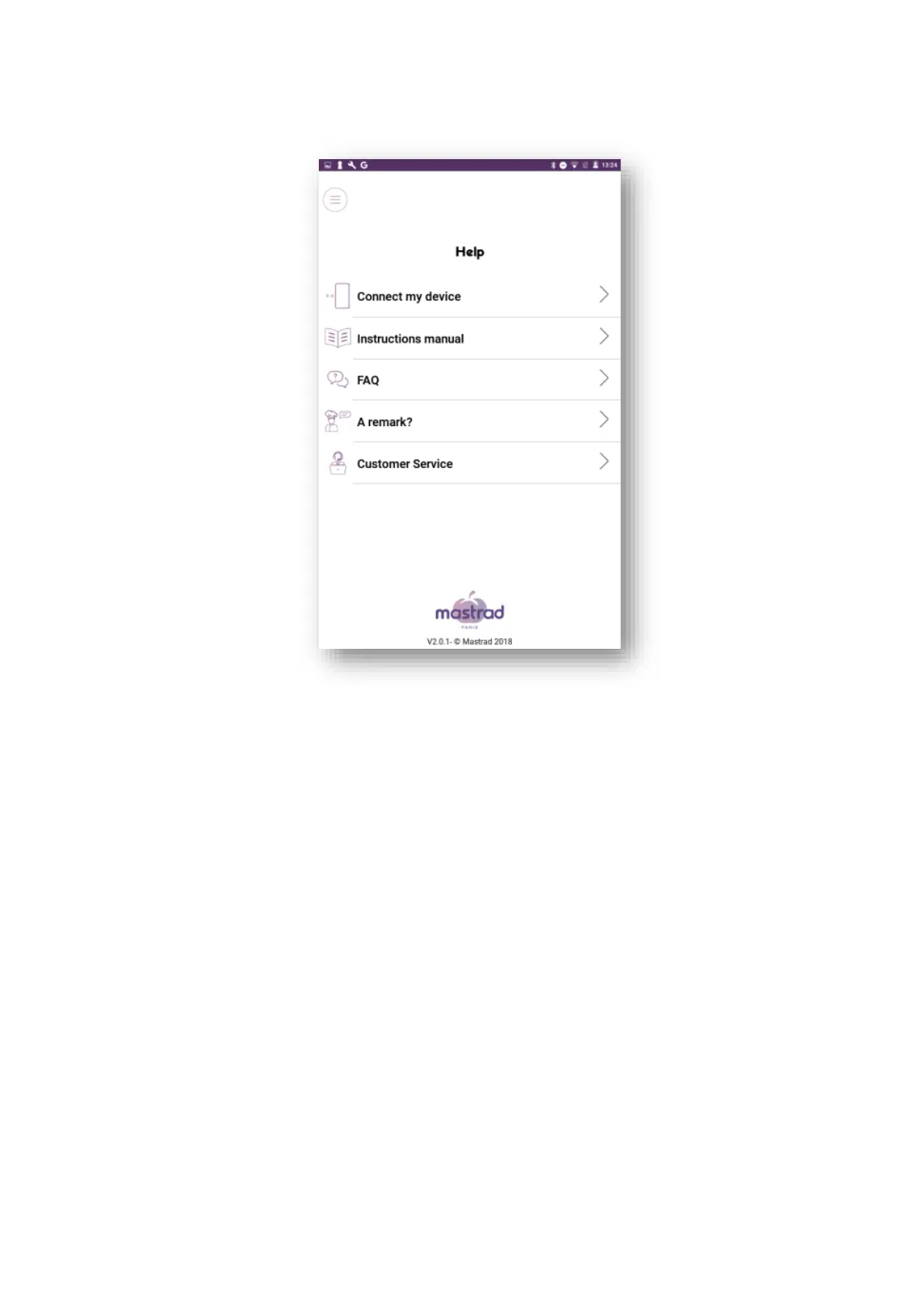
2. 16 Help
You can access the Help section at any time to view the quick start guide or instructions for use.
3. Cleaning the probe
Extract the probe using the key located under the docking station.
Place the steel part of the probe under running water with a bit of soap, rinse, and dry using a soft cloth. The
ceramic part should be handled with care and should not be fully immersed in water.
4. System update (firmware)
Below is the meat°it and meat°it + firmware update procedure. Each firmware update is accompanied by a
mobile application update. When you use the meat°it application, it checks whether the meat°it product is
using the latest version. If it is, the application connects to the probe and you can start cooking. If not, the
application will suggest a system update.
1- Activate your smartphone's Bluetooth function.
2- Open the meat°it application
3- Select meat°it + to connect the probe
4- Pair the probe


 To Next Page