11
MDMAXLITEA
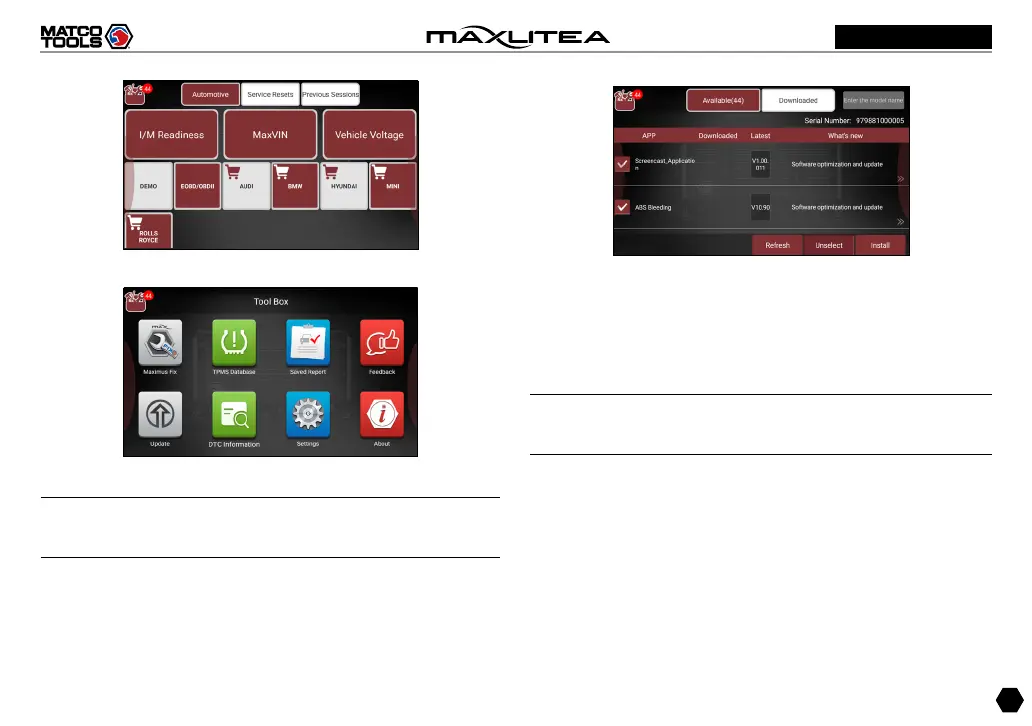
Fig. 4-4
Fig. 4-5
Note: If a red dot appears on upper right corner of the
Update logo, it indicates newer software is available.
5. Tap on “Update” to enter the update center.
Fig.4-6
Make sure all brands are selected, tap on “Update” to start
updating.
Tap on the “OK” button on the pop-up message box when
update is complete.
Note: Download and installation will take approximately 10
minutes depending on the internet connection.
4.2 Basic Operations on Diagnostic App
4.2.1 Switch between different function modules
There are 2 function modules available on the MaxLiteA:
Diagnostics and Toolbox.



 To Next Page