MAINTENANCE AND TROUBLESHOOTING
- Ⅳ -
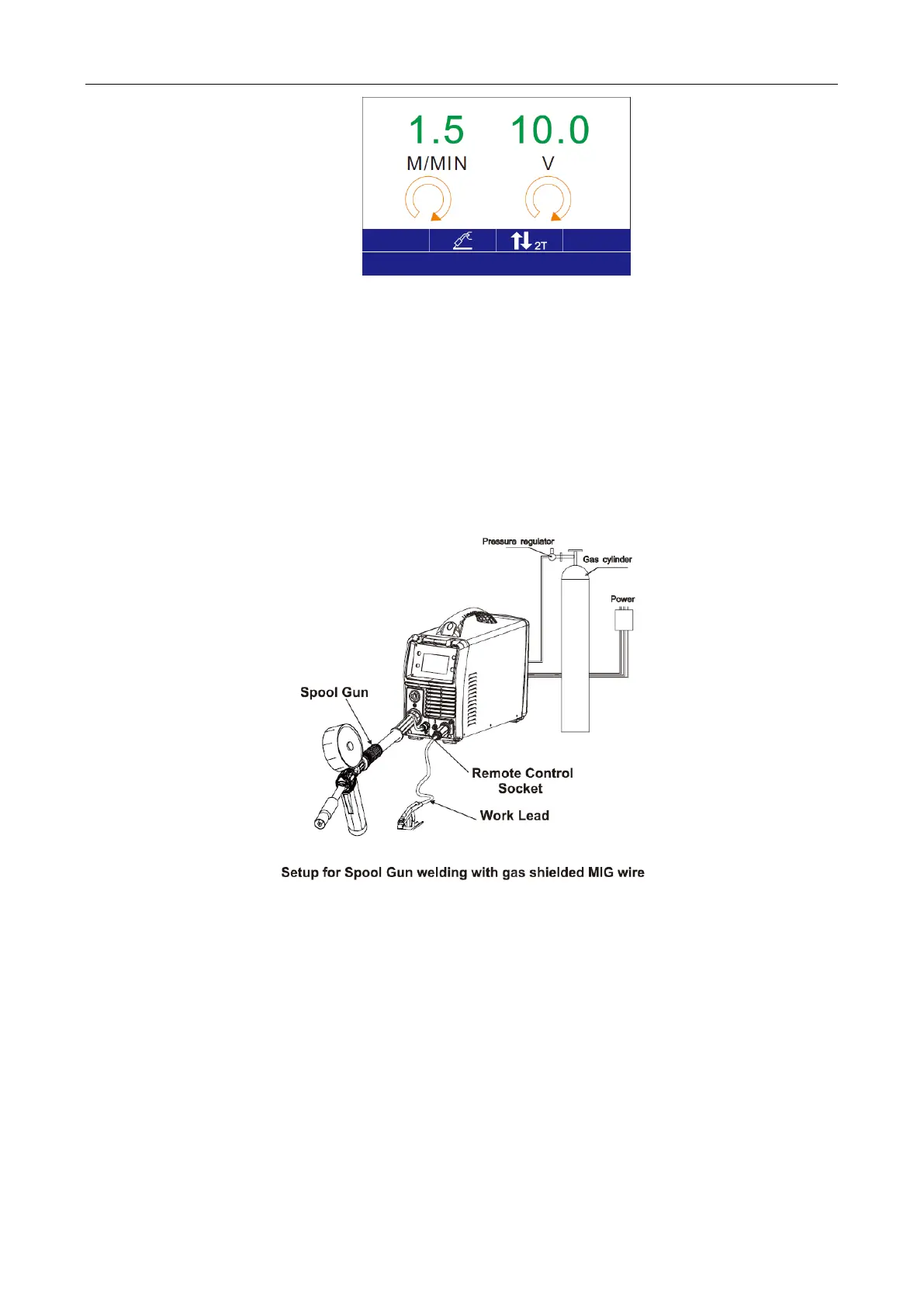
2) In the welding interface, rotate L Knob to set the wire feed rate (1.5 - 13.0 m/min) and
rotate R Knob to set the welding current (10 - 27 V);
3) After the settings, press L Knob and R Knob for confirmation;
4. Selecting spool gun operation:
1) Install spool gun into Gun socket and set Switch to “Spool Gun”.



 To Next Page