12| Revision Date: 8/30/2017 | Revised by: EM
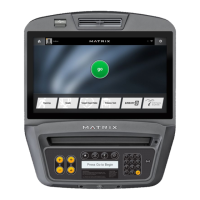
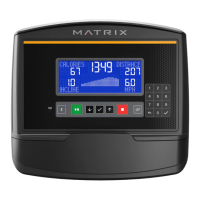
Check, remove iPod cable
1. Check the iPod cable. If the connector is rusty, proceed to Step 2.
2. Remove four (4) screws from the back of the console and set the cover aside.
3. Remove four (4) screws holding the iron plate to the console frame.
4. Unplug and remove the iPod cable.
5. Reassemble the console, using a cover to conceal the iPod input on the front of the console.
6. Test the console
.



 To Next Page