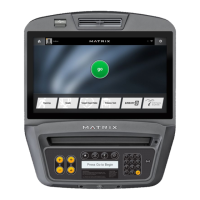
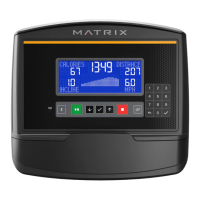
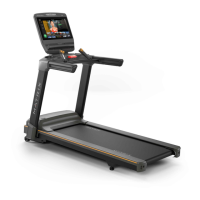
13| Revision Date: 8/30/2017 | Revised by: EM
Check, update LCM software
1. Press Enter 3 0 0 1 Enter to enter Service Mode.
2. Check if LCM software is version 84 or above.
a. If yes, replace the LCM board
.
b. If no, upgrade the LCM software (see steps 3-9 below).
3. Press Enter 3 0 0 4 Enter to enter Update Manager Mode.
4. Press Settings. Select either HTTP or USB as update source, and then press Available Updates.
5. Press Install All Updates. When prompted, press Yes and then wait until the update is complete.



 To Next Page