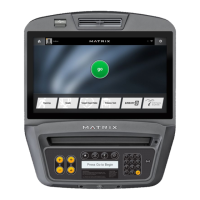
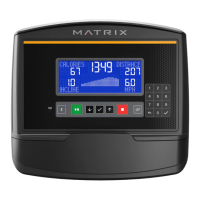
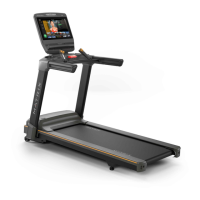
15| Revision Date: 8/30/2017 | Revised by: EM
Check Wi-Fi antennas
1. Press
Enter 3 0 0 1 Enter
to enter Service Mode, and then choose the Networks tab. If no networks show, the Wi-Fi antennas may be
disconnected.
2. Remove four (4) screws from the back of the console and set the cover aside.
3. Remove four (4) screws holding the iron plate to the console frame.
4. Check the Wi-Fi antennas on the UCB.
Clear update history, then reinstall updates
10. Follow these steps to clear the update history:
a. Press Enter 3 0 0 4 Enter to enter Update Manager.
b. Press 2 5 3 2 7 Enter. This will delete the update history. Wait for a confirmation message.
11. To reinstall all updates:
a. While still in Update Manager, press the tab Available Updates.
b. Press Install Available Updates.
12. Test the console.



 To Next Page