38| Revision Date: 8/30/2017 | Revised by: EM
6. Rewrite the bad CF card:
a. Remove the good CF card from reader and plug in bad CF card.
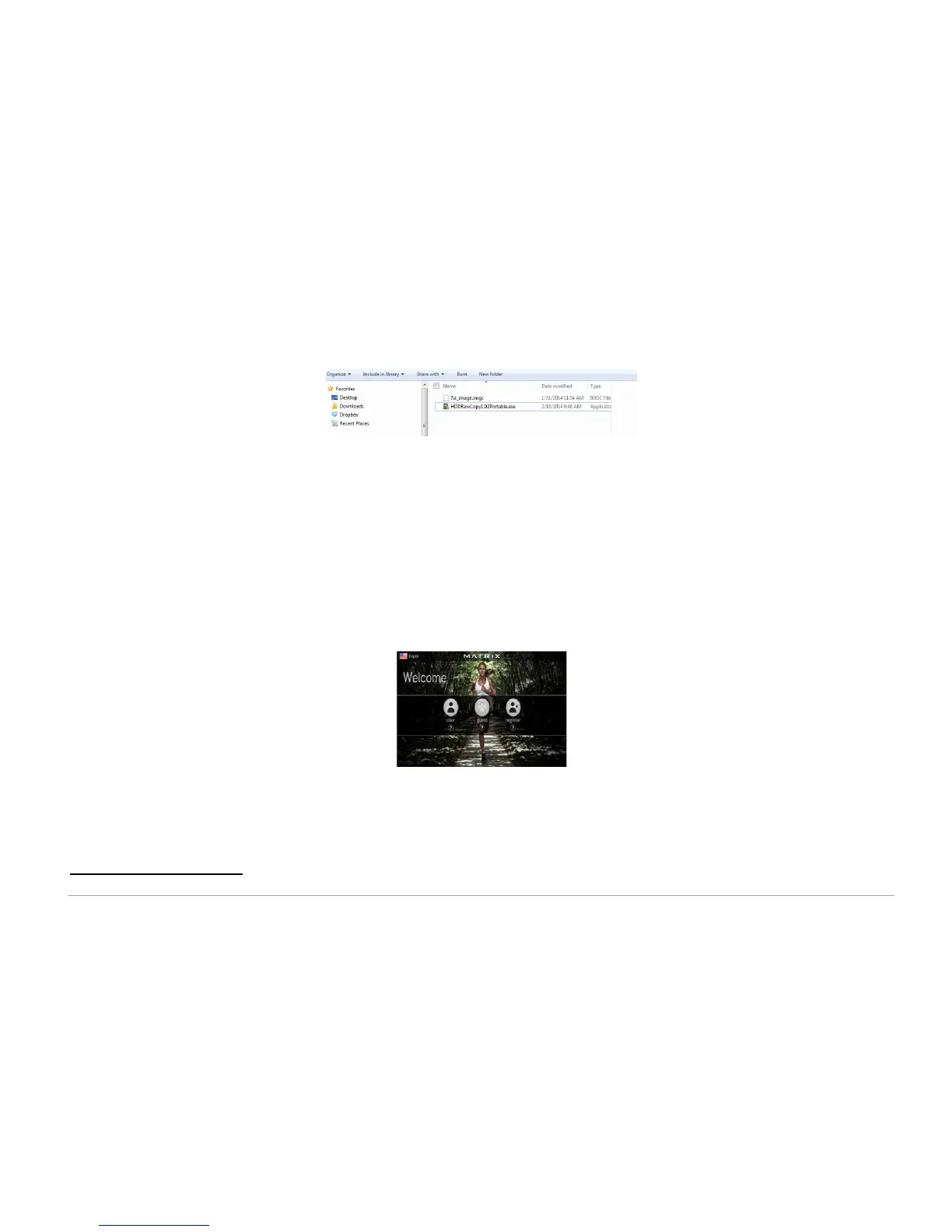
b. Double-click to open “HDDRawCopy1.10Portable.exe”
.
c. Select the image file you copied from good CF card
.
d. Click
Continue
.
e. Select “USB Generic Storage Device” as the destination disk
.
f. Click
Continue
.
g. Press
Start
to copy the image to your CF card
.
h. If a warning message asks you to confirm, press
Yes
.
7. Test the rewritten CF card in the 7xi console. If the error remains, replace the CF card and tuner.
Follow these instructions to replace a bad CF card
‡
. You should also replace the tuner at the same time as the CF card.
8. If the error remains, replace the internal compact flash card:
a.
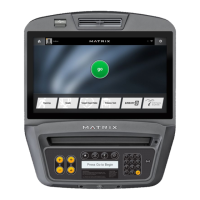
Turn on the power, wait for the welcome screen.
b.
Press
Enter 1 0 0 1 Enter
to open Manager Mode.
c.
Record the Accumulated Mileage, Accumulated Time, and Serial Number.
d.
Press
HOME
button on the screen.
e.
Turn off the power and disconnect the cord.
f.
Remove four (4) screws from the back of the console and set the cover aside.
‡
Please note: When troubleshooting the error message “System available space is not enough”, use a replacement CF card with software version GUI V6.10 or above.



 To Next Page