16
CHAPTER 6: MX-T3X TreaDmill specifications, parts, anD assembly guiDes
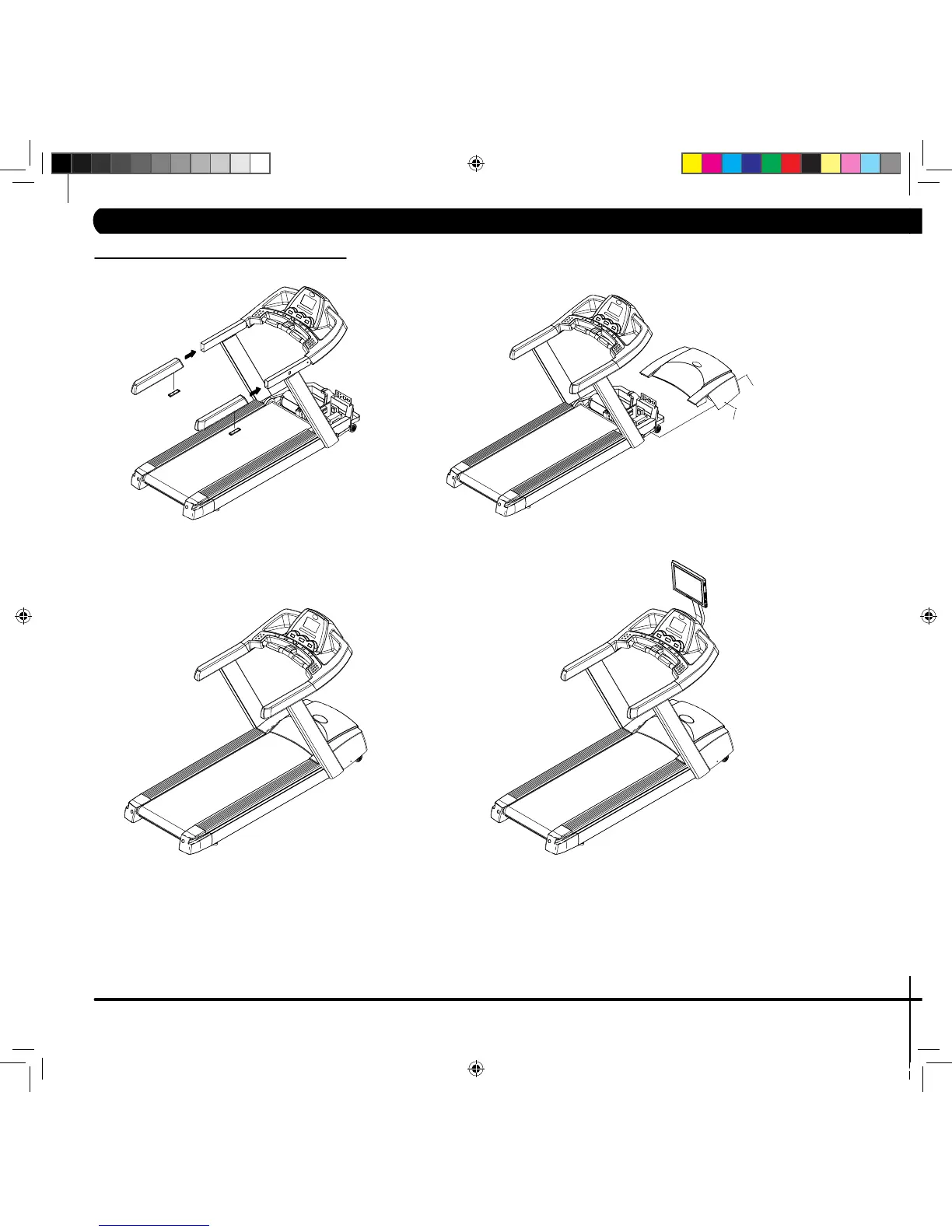
6.4 MX-T3X MODEL ASSEMBLY STEPS
FINAL ASSEMBLY
AUTO CHECK
• Press and hold both incline “UP” and speed “DOWN“ buttons simultaneously for 3 seconds .Then the “ENGINEERING MODE” is shown onto the console.
• Press the incline “UP” button to find the “AUTO CHECK” screen.
• Press the incline “START” button and then, the treadmill will run the auto check function automatically. This will take around 3 minutes to run.
• After auto check is complete “AUTO CHECK OK” will show on the console. Then, press EMERGENCY STOP key twice to back to initial starting
screen.


 To Next Page