4| Version 1 | September 2021
Table of Contents
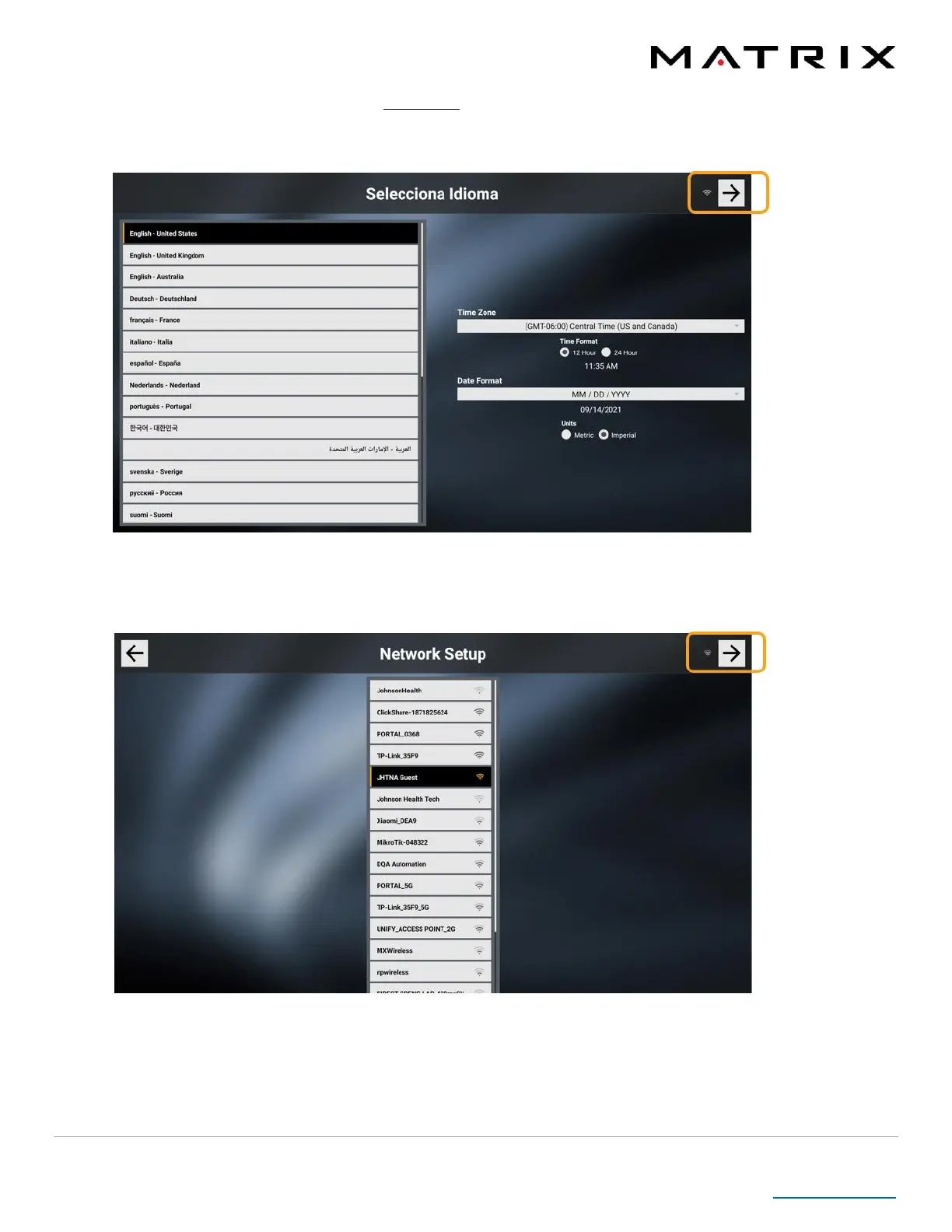
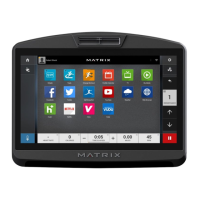
Setup Wizard (3002) – After entering the code 3002 Enter on the keypad, you will be taken to a Setup Wizard.
• Language, Time Zone and Date Format – Select the console’s default language, time zone, and date format. Click
on the arrow in the upper right corner to move forward.
• Network – Select the Internet network to which you want to connect the console. If a password-protected
network is selected, a popup will appear so you can enter the password. Click on the arrow in the upper right
corner to move forward.



 To Next Page