10 Matrox M-Series – User Guide
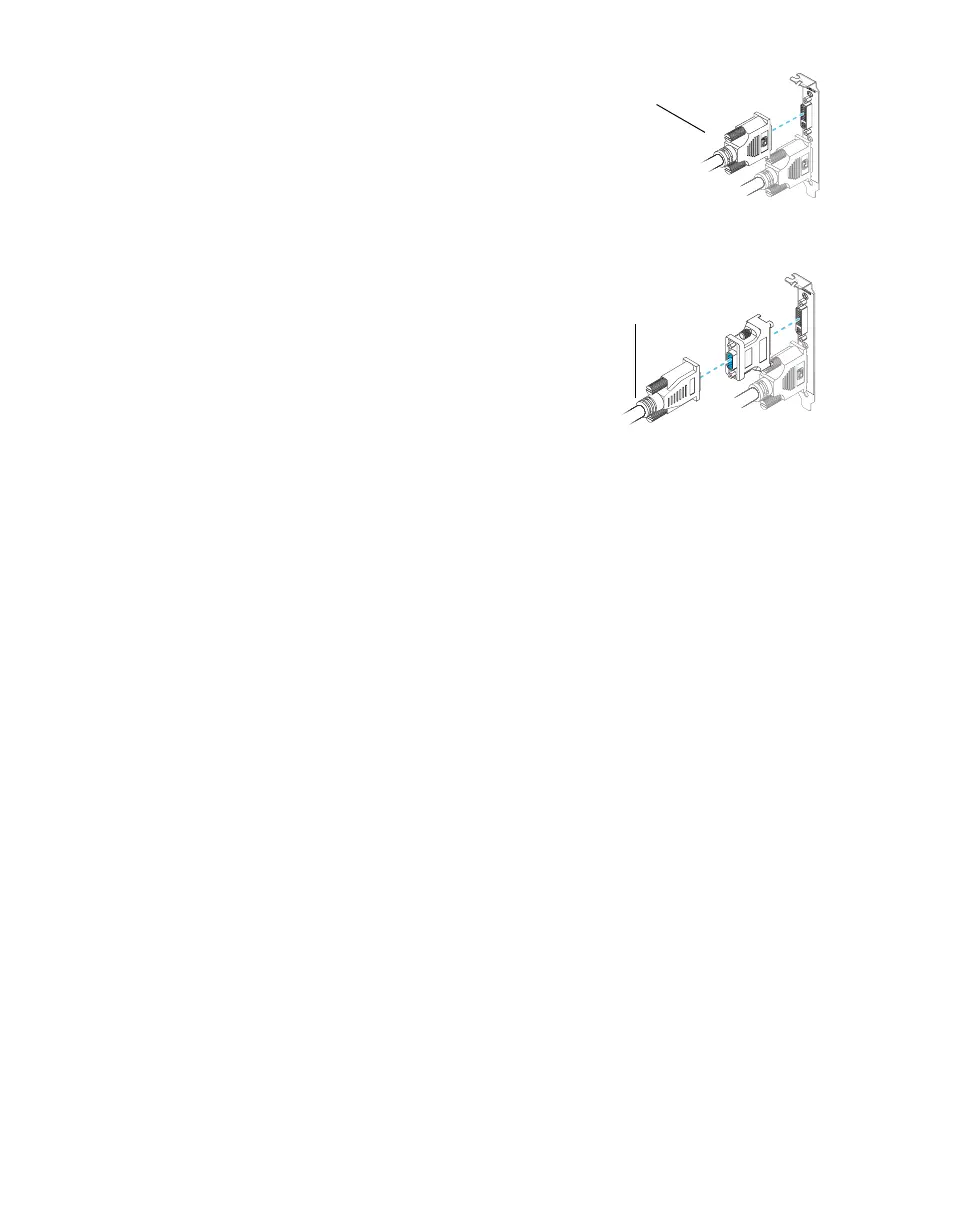
2 Connect the second monitor
If your second monitor uses a DVI
connector, connect it directly to the
secondary connector (
B
) of your graphics
card.
If your second monitor uses an HD-15
connector, use a DVI-to-HD15 adapter
included with your product to connect your
monitor to the secondary connector.
Your Matrox card is now installed. Restart your computer and install your Matrox software (see
“Software setup”, page 15).
Monitor connector (DVI)
Monitor connector (HD-15)











 To Next Page