Matrox TripleHead2Go – User Guide 13
5
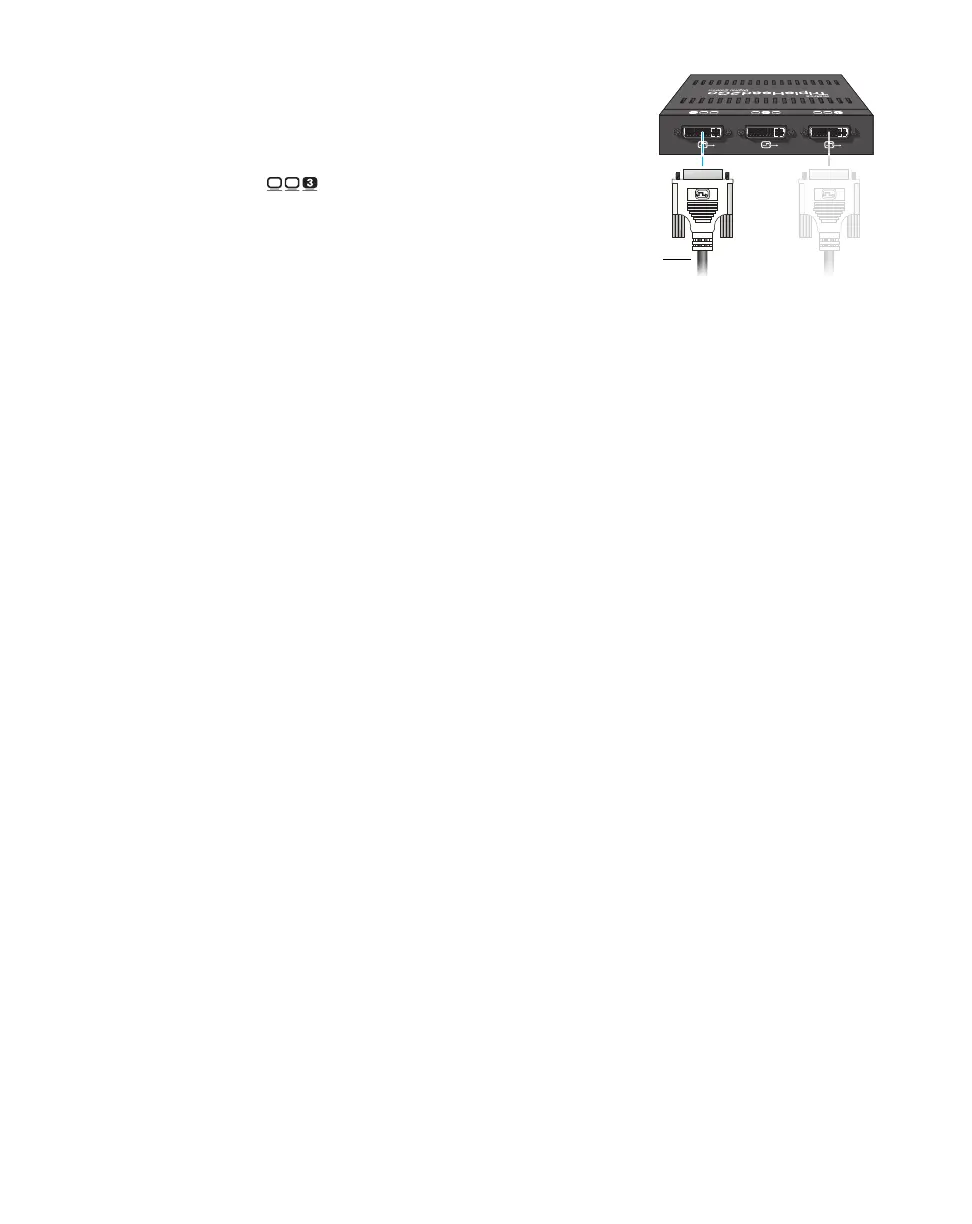
Connect the second monitor
If your monitor has a DVI connector, use
your monitor cable to connect your second
monitor directly to the third connector
( ) on your Matrox product.
If your monitor has an HD-15 connector,
use a DVI to HD-15 adapter (sold
separately) to connect your monitor to the
connector.
Your Matrox product is now connected. Restart your computer and install your Matrox software (see
“Installing your Matrox software”, page 32).



 To Next Page