22 Matrox TripleHead2Go – User Guide
Connecting three monitors
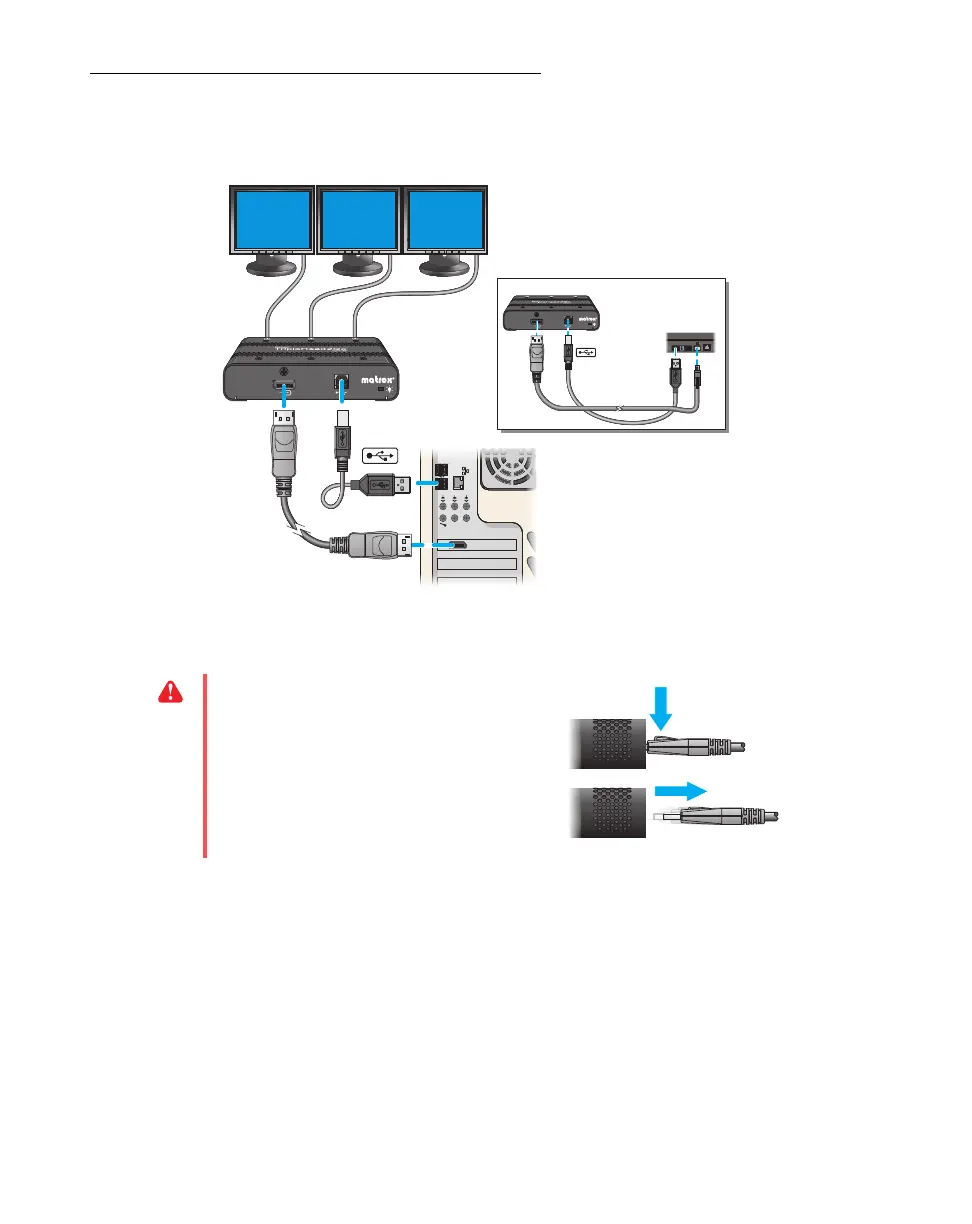
Connection overview
Step-by-step connection setup
1
Turn off computer
Before you connect your Matrox product, make sure you shut down your system and turn off
your computer.
WA R N I NG :
To avoid damaging the
DisplayPort connector on your DisplayPort
monitor cable or on your graphics
hardware, carefully remove the DisplayPort
cable by pressing the latch on the top of the
DisplayPort connector while removing the
connector.



 To Next Page