8 Matrox TripleHead2Go – User Guide
Connecting three monitors
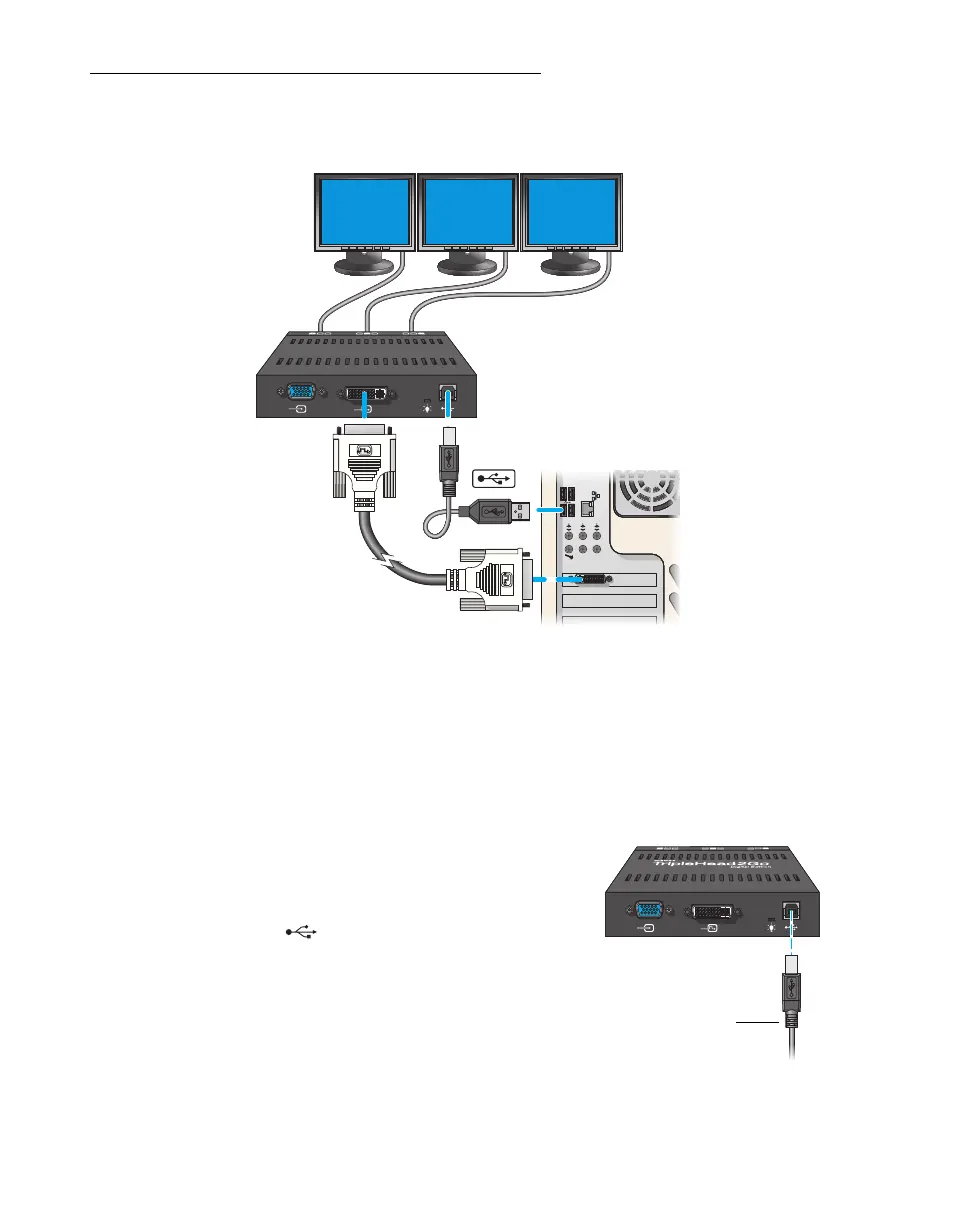
Connection overview
Step-by-step connection setup
1
Turn off computer
Before you connect your Matrox product, make sure you shut down your system and turn off
your computer.
2
Connect the USB cable
Plug one end of the USB cable provided with
your Matrox product into the USB
connector ( ) on your Matrox product.
Plug the other end of the USB cable into a
powered USB port on your computer. For
more information on powered USB ports,
see your system manual.



 To Next Page