Matrox TripleHead2Go – User Guide 27
4
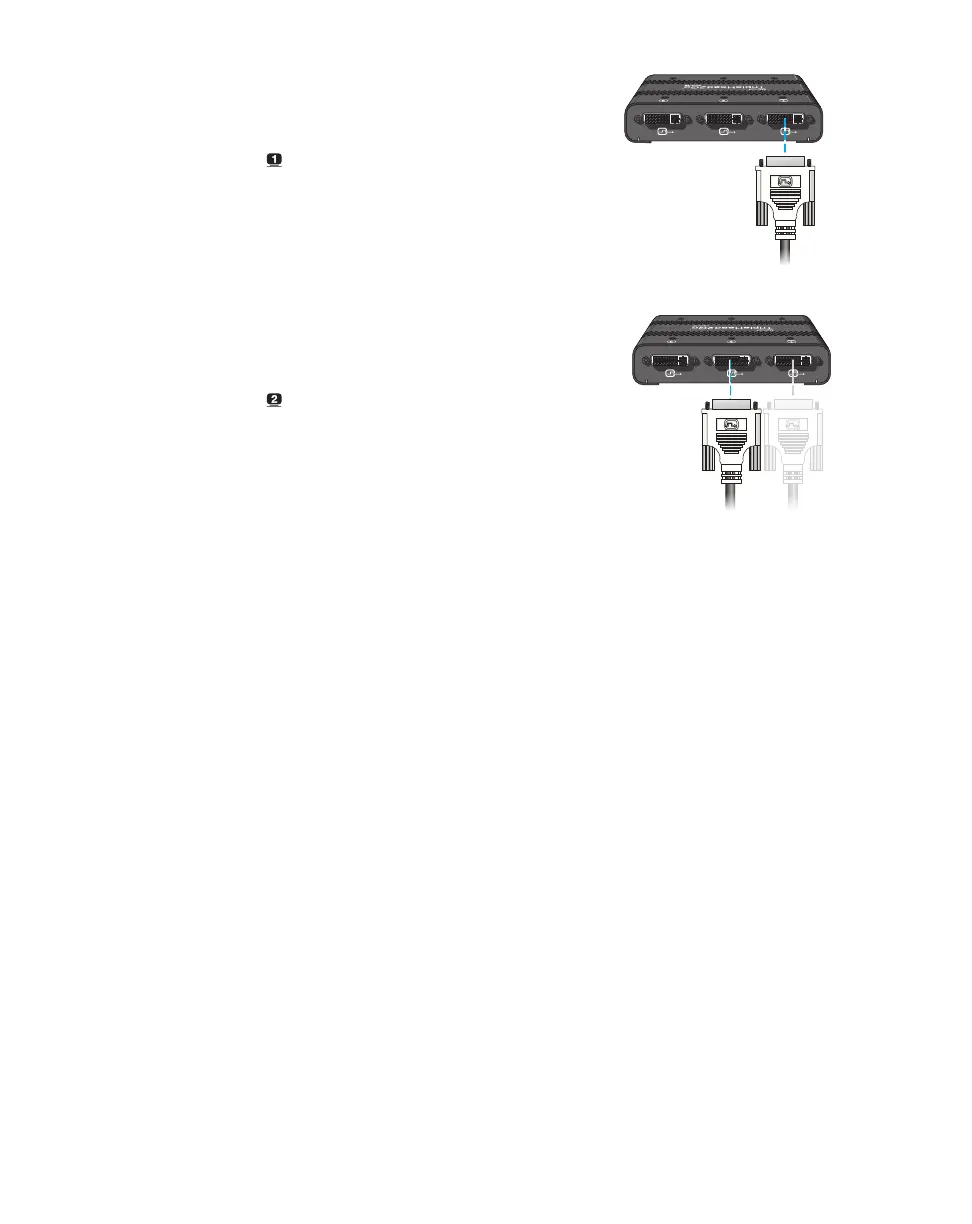
Connect the first monitor
Connect the DVI connector on your
monitor cable directly to the first connector
( ) on your Matrox product.
5
Connect the second monitor
Connect the DVI connector on your
monitor cable directly to the third connector
( ) on your Matrox product.
Your Matrox product is now connected. Restart your computer and install your Matrox software (see
“Installing your Matrox software”, page 32).



 To Next Page