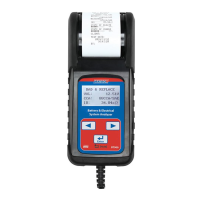
DIGITAL BATTERY TESTER
| 11BT900
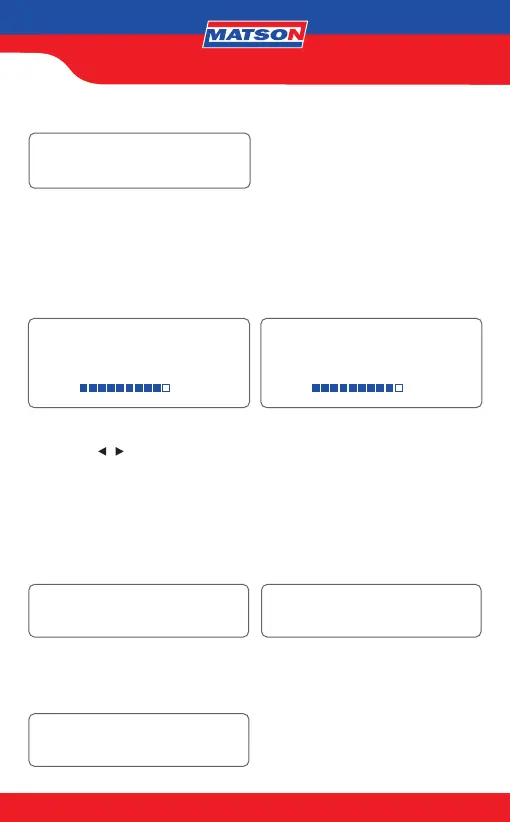
BATTERY TEST
LOAD ERROR
GOOD & PASS
SOC: xx.xx V
90%
GOOD & PASS
SOH: xxxx CCA/SAE
90%
LOAD ERROR
*The tested battery is bigger than 2000CCA/SAE or 200AH. Or the clamps are not
connected properly. Please fully charge the battery and retest after excluding both
previous reasons. If reading is the same, the battery should be replaced immediately.
14. SOC & SOH Display: Press directional keys to see SOC & SOH:
15. Press the
/ key to select result printing: YES or NO. Press «ENTER» to
conrm your choice.
*24V System Test Printing: The printer will not function for 24 Volt batteries system test
printing. The 24V system test result will be recorded till you hook up to a 12V battery and the
right screen shows up. Please select “YES” and press enter key to print the result and then
disconnect the clamps. The screen will appear again after you reconnect the clamps. Please
select “NO” and press the enter key to go back to the main menu.
PRINT RESULT?
YES/NO
ENTER
PRINT 24V SYSTEM RESULT?
YES
16. Press «ENTER» return to MAIN MENU or remove the test clamps from the battery
posts after completion of testing batteries to end test.


 To Next Page