48
Integrated Peripherals Option
These options define the operation of peripheral components
on the system's input/output ports.
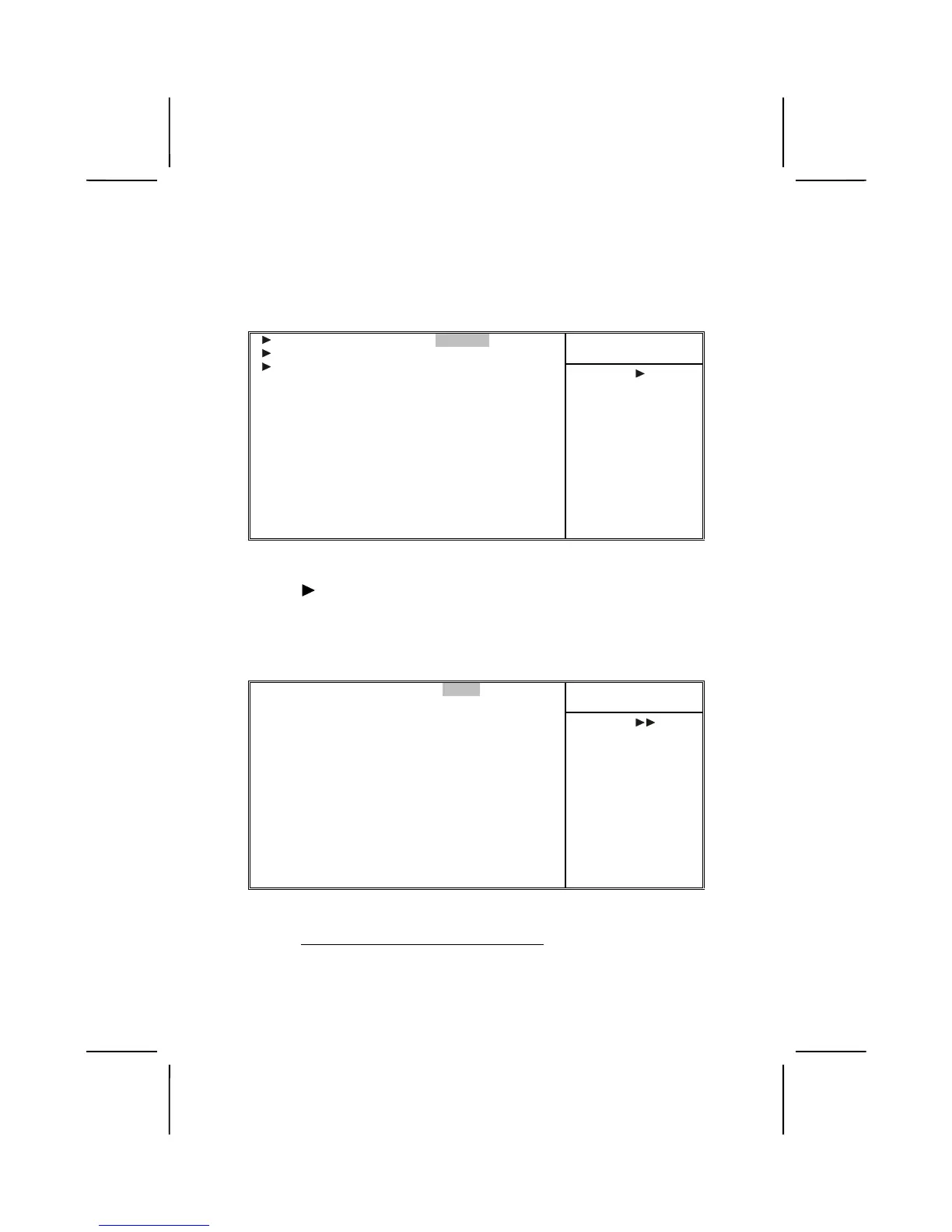
CMOS Setup Utility – Copyright (C) 1984 – 2001 Award Software
Integrated Peripherals
Item Help
OnChip IDE Device [Press Enter]
OnChip PCI Device [Press Enter]
Super I/O Device [Press Enter]
Init Display First [PCI Slot]
OnChip USB Controller [All Enabled]
USB keyboard Support [Disabled]
IDE HDD Block Mode [Enabled]
PWRON After PWR-Fail [off]
Menu Level
↑
↑↑
↑
↓
↓↓
↓
→
→→
→
←
←←
←
: Move Enter : Select +/-/PU/PD:Value: F10: Save ESC: Exit F1:General Help
F5:Previous Values F6:Fail-Safe Defaults F7:Optimized Defaults
OnChip IDE Device
Scroll to this item and press <Enter> to view the following
screen:
CMOS Setup Utility – Copyright (C) 1984 – 2001 Award Software
OnChip IDE Device
Item Help
OnChip IDE Channel0 [Enabled]
OnChip IDE Channel1 [Enabled]
IDE Prefetch Mode [Enabled]
Primary Master PIO [Auto]
Primary Slave PIO [Auto]
Secondary Master PIO [Auto]
Secondary Slave PIO [Auto]
Primary Master UDMA [Auto]
Primary Slave UDMA [Auto]
Secondary Master UDMA [Auto]
Secondary Slave UDMA [Auto]
Menu Level
↑
↑↑
↑
↓
↓↓
↓
→
→→
→
←
←←
←
: Move Enter : Select +/-/PU/PD:Value: F10: Save ESC: Exit F1:General Help
F5:Previous Values F6:Fail-Safe Defaults F7:Optimized Defaults
On-Chip IDE Channel 0/1 (Enabled)
Use these items to enable or disable the PCI IDE channels
that are integrated on the mainboard.













 To Next Page