24
GB
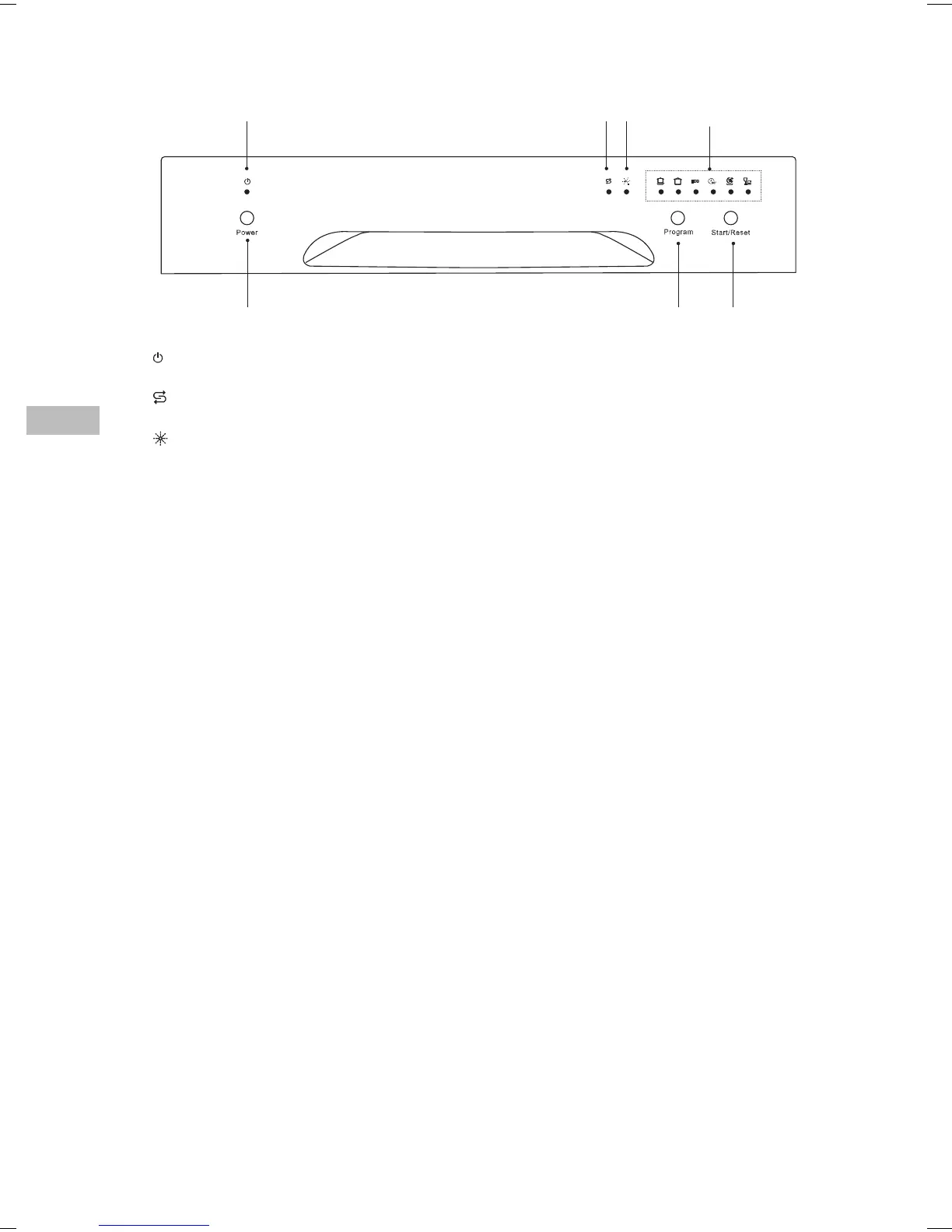
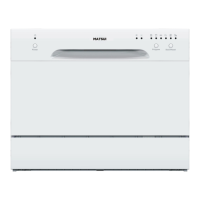
Control Panel
1. Power Light
Light up when the unit is on.
2.
Salt Rell Warning Light
Illuminate when the salt reservoir needs relling.
3.
Rinse Aid Rell Warning Light
Illuminate when the rinse aid dispenser needs relling.
4. Programme Indicators
• Illuminate when the washing programme is selected.
• Flash when the selected washing programme is running.
5. Power Button
Switches the unit on or o.
6. Program Button
• Select your required washing programme.
• Each press of this button switches from one washing programme to another.
7. Start/Reset Button
• To conrm and start the selected washing programme.
• Reset the washing programme.
1
5 6 7
2 3
4
MDWTT15E_IB_5L_150424_grace.indb 24 24/4/15 7:17 pm


 To Next Page