19
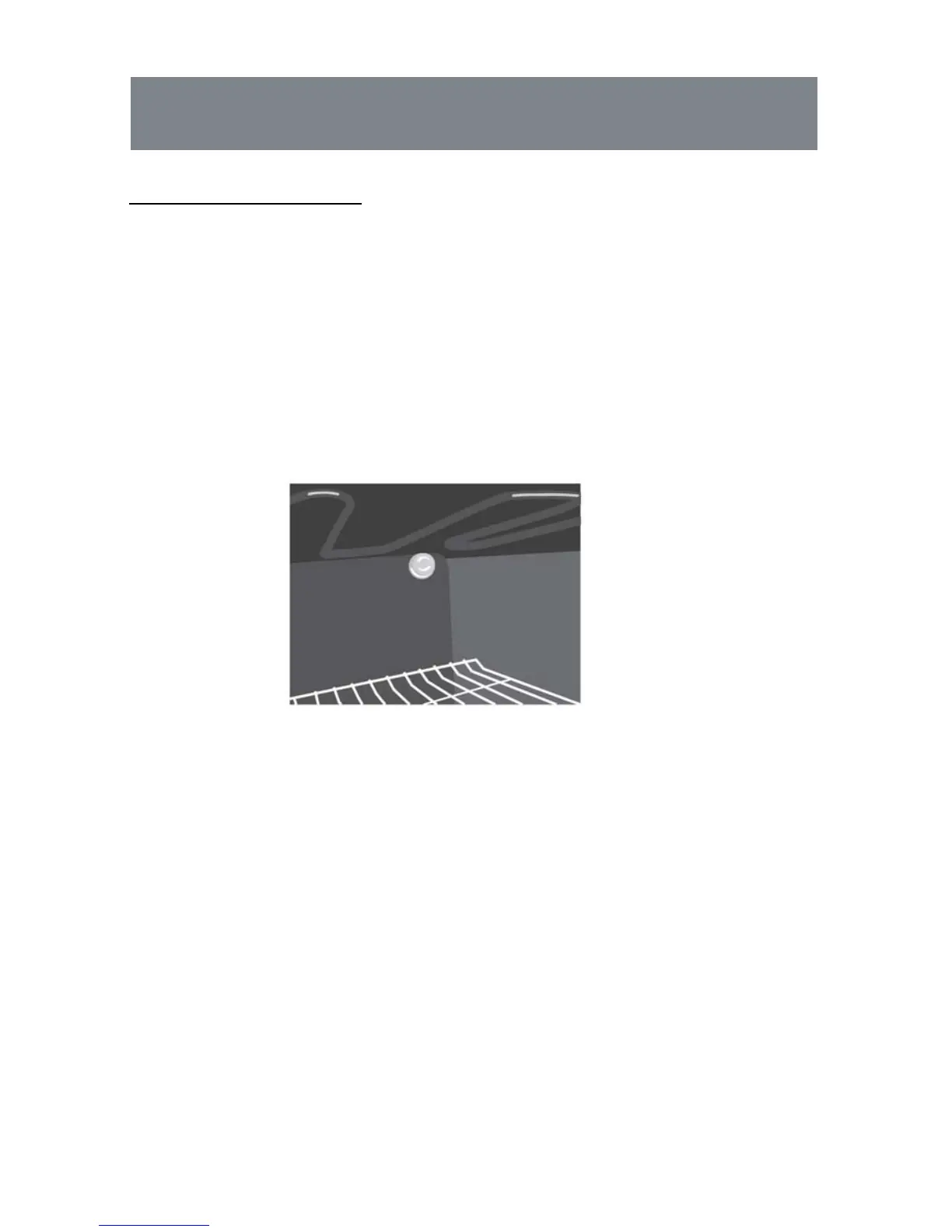
Replacing the oven light
1. Switch off and disconnect the power from the oven. Ensure that the
internal parts are cool before touching internal parts.
2. Remove the lamp cover by turning it anti-clockwise (note, it may be stiff),
remove the bulb by turning it anti-clockwaise.
3. Insert the new bulb, which should be resistant to 300ºC.
For replacement bulbs contact your local service centre.
4. Re-fit the cover.
5. If in any doubt, consult a qualified electrician for help.



 To Next Page