21
THE GAMES
THE GAMES
Now that you’ve familiarized yourself with controlling the ball and the different
obstacles, it’s time to try out the games! Mindflex™ comes with 5 different game
modes that will challenge you in different ways.
THE GAME MENU
After putting on the headset and turning on the console (as described in the Quick
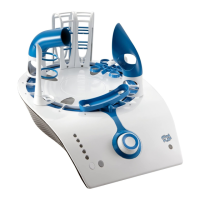
Start section), the console will direct you to “Select game.” The 5 sensor LEDs on the
front of the console will begin to flash, indicating that you are in the Game Menu and
need to make some choices.
Press the SELECT button (white) to cycle through a list of games then press ENTER
(gray) to confirm your choice.
Note: Depending on the game you choose, you may also be prompted to select
number of players and difficulty level, but we’ll cover that in more detail under
each game description.
Sensor LEDs
Select Button Enter Button


 To Next Page